


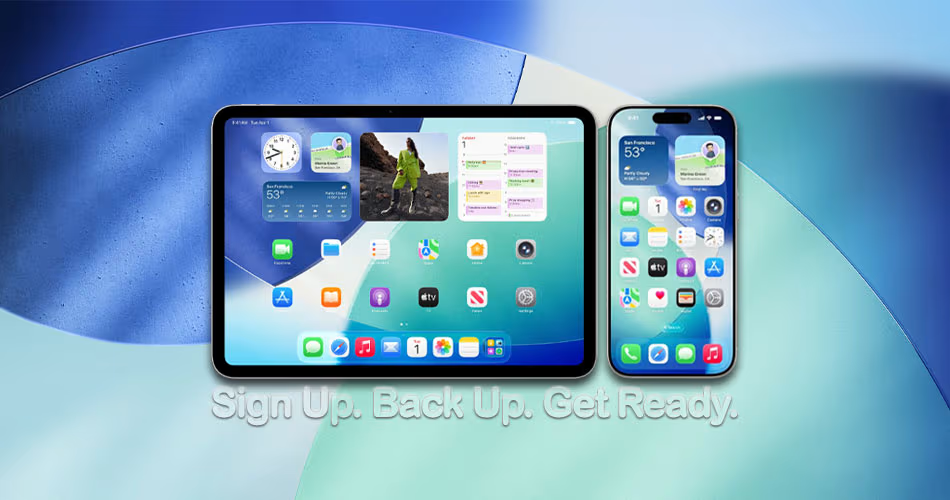
iOS 26 and iPadOS 26 public betas are almost here. Learn how to sign up, check device compatibility, and prepare your iPhone or iPad for the upcoming release.
Apple’s First iOS 26 and iPadOS 26 Public Beta Is Arriving Next Week, Here’s How to Prepare for it the Right Way Today
Check If Your Device Is Compatible With iOS 26 or iPadOS 26
Before you do anything, make sure your iPhone or iPad supports iOS 26 or iPadOS 26.
Compatible iPhones:
- iPhone 16 series (including 16e)
- iPhone 15 / 15 Plus / 15 Pro / 15 Pro Max
- iPhone 14 / 14 Plus / 14 Pro / 14 Pro Max
- iPhone 13 / 13 mini / 13 Pro / 13 Pro Max
- iPhone 12 / 12 mini / 12 Pro / 12 Pro Max
- iPhone 11 series
Compatible iPads:
- iPad Pro (M4 and newer 11″/12.9″)
- iPad Air (M3, M2, and 3rd gen or later)
- iPad (8th gen or later)
- iPad mini (5th gen or later, including A17 Pro variant)
To confirm your model, head to Settings > General > About and look under Model Name.
Sign Up for Apple’s Public Beta Program
Head to beta.apple.com using Safari on your iPhone or iPad, then:
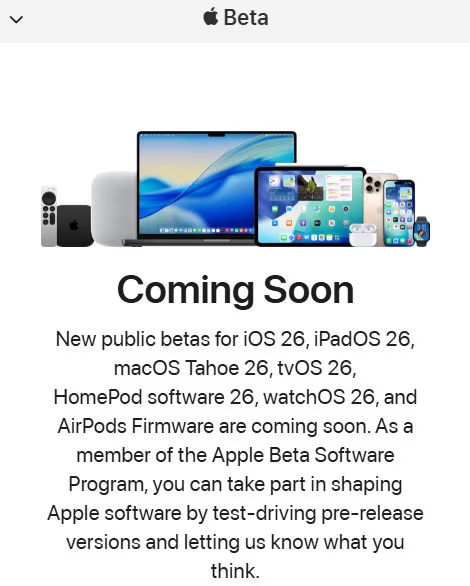
- Tap the menu icon at the top.
- Choose Sign In and log in with your Apple ID.
- Enroll your device when prompted.
This ensures your iPhone or iPad can receive the beta when it drops.
Back Up Your Data
Before installing any beta software, it’s crucial to create a full backup of your iPhone or iPad. Use iCloud or your computer (via Finder or iTunes) to back up your device. This way, if anything goes wrong during the beta installation, you can easily restore your data and settings without losing anything important.
Free Up Storage
You’ll need at least 15GB of free space to install the public beta. Check your storage at Settings > General > [iPhone/iPad] Storage, and follow the system suggestions to clear space if needed.
Install the Public Beta (When It’s Live)
Once iOS 26 or iPadOS 26 public beta goes live (likely next week July 23), just:
- Go to Settings > General > Software Update > Beta Updates
- Select iOS 26 Public Beta or iPadOS 26 Public Beta
- Download and install like any regular update.
Final Thoughts
Signing up now saves you the hassle later. Once the beta is released, it’ll be just a few taps away. Whether you’re a tech enthusiast or just curious about Apple’s newest features, the public beta program is a great way to get early access, just be sure to back up your data first.



