Apple has officially released iOS 26.3 and iPadOS 26.3 to all users, bringing a handful of meaningful improvements and refinements to the iPhone and iPad.
The update follows several weeks of beta testing and arrives as a stability-focused release, though there are a few noteworthy additions worth highlighting.
If you’ve been waiting for the final version, it’s now available to download.
What’s new in iOS 26.3 and iPadOS 26.3?
While this isn’t a major visual overhaul, iOS 26.3 introduces practical changes that impact switching platforms, privacy, and EU interoperability.
A new way to transition from iPhone to Android
One of the more surprising additions in iOS 26.3 is a built-in transfer tool designed to make switching from iPhone to Android easier.
Users can now initiate transfers directly during device setup, without downloading a separate app. Apple says the process supports moving:
- Photos
- Messages
- Notes
- Passwords
- Apps
- Phone number information
- Other essential data
It’s a rare move that improves the experience of leaving the iPhone ecosystem, and it makes platform switching far less complicated.
Notification Forwarding for third-party wearables in the EU
For users in the European Union, iOS 26.3 adds a new Notification Forwarding setting that enables expanded compatibility with third-party wearable devices.
This allows notifications to work beyond the Apple Watch and appears to be part of Apple’s broader interoperability adjustments in response to EU regulations.
Limit Precise Location for carrier data
Apple has also added a new Limit Precise Location feature that reduces how much detailed location data your cellular carrier can infer.
The feature works with Apple’s in-house modem hardware, including devices like:
- iPhone Air
- iPhone 16e
- M5 iPad Pro
This adds another layer of privacy control, especially for users concerned about carrier-level tracking.
Weather wallpaper refinements
Apple continues to tweak the Weather wallpaper gallery introduced earlier in the iOS 26 cycle, with small visual adjustments and refinements in this release.
How to download iOS 26.3 and iPadOS 26.3
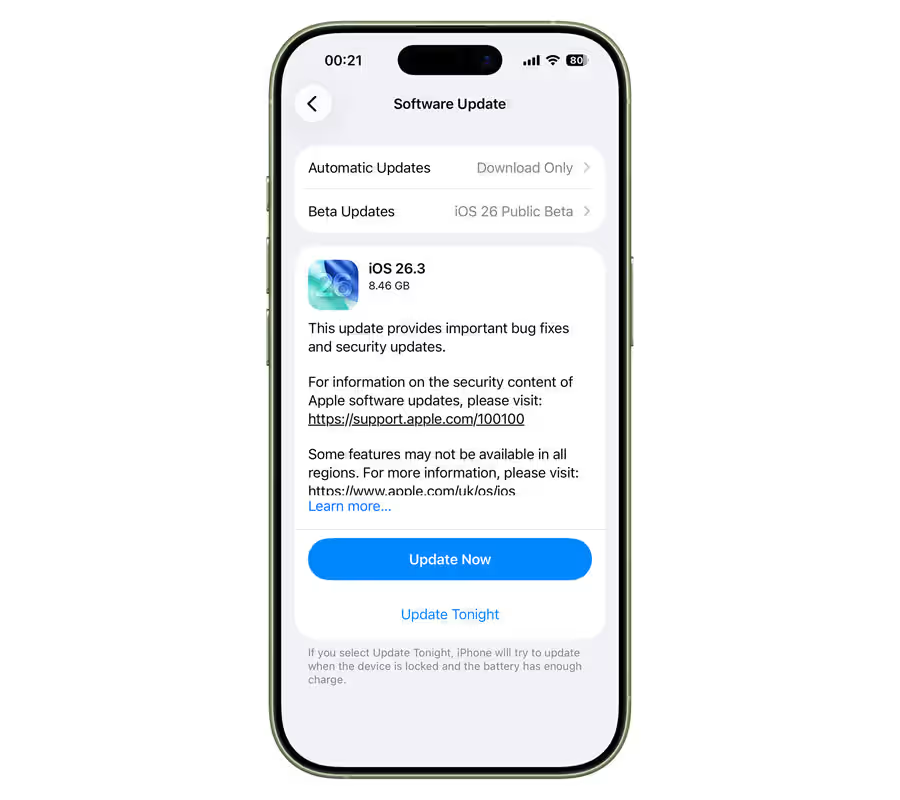
To install the update: Head to Settings > General > Software Update on your iPhone or iPad.
The update is rolling out in phases, so if you don’t see it immediately, it should appear shortly.
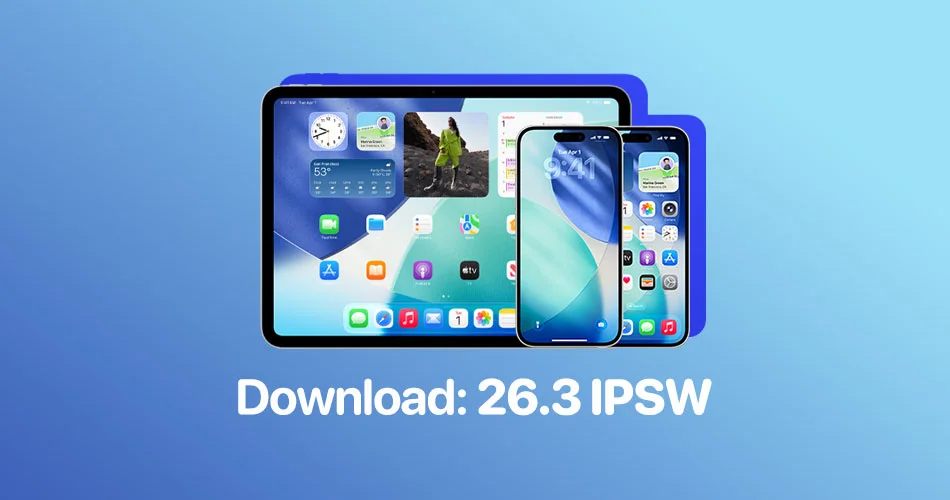
Direct IPSW download links
For advanced users who prefer manual installation or need restore files, you can download the official IPSW files below:
iOS 26.3 IPSW Download Links
iPadOS 26.3 IPSW Download Links
Make sure you download the correct file for your device model before proceeding.
Should you update?
iOS 26.3 and iPadOS 26.3 focus on stability, privacy, and ecosystem flexibility. There are no flashy headline features, but the improvements are meaningful, especially for EU users and anyone concerned about location data.
As always, it’s recommended to back up your device before updating.