


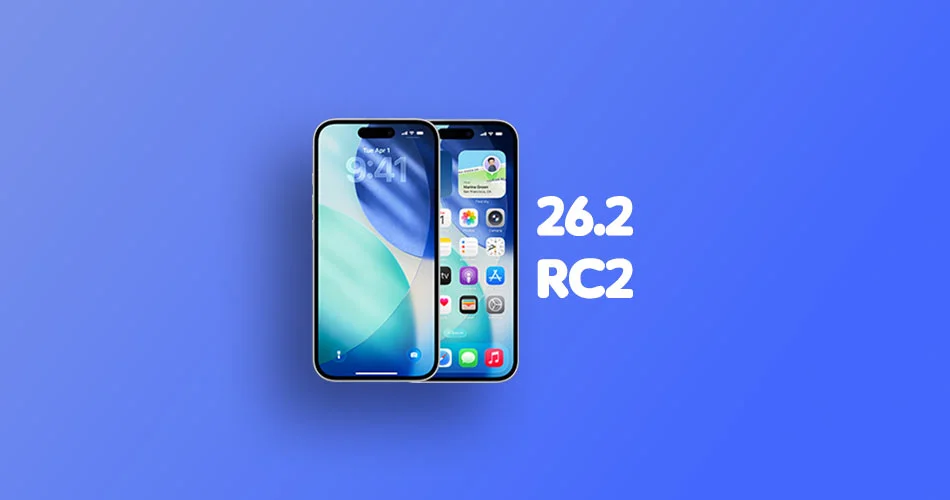
Apple has released the second iOS 26.2 Release Candidate to both developers and public beta testers.
This update arrives one week after the first RC and is generally the final stop before the official public rollout. If testers do not spot any major issues, this build is very likely to ship as the stable version.
What’s New in iOS 26.2 RC
iOS 26.2 packs a handful of visual tweaks and feature refinements that polish the overall experience rather than reinvent it.
Liquid Glass on the Lock Screen
The standout addition is the new Liquid Glass slider for the Lock Screen clock, which lets you adjust clock transparency. It sounds small, but anyone who customizes their Lock Screen knows how nice it is when text blends well with a chosen wallpaper.
Hints of New AirDrop Features
Code references point to a more flexible device-to-device transfer system that does not require contacts. This is not fully live, but the groundwork is clearly here.
AirPods Live Translation in the EU
Apple has unlocked Live Translation for AirPods for users in the European Union. It is part of broader regional compliance updates, and it quietly turns AirPods into a real-time translation tool in supported scenarios.
Smarter Reminders
The Reminders app now supports alarms that trigger exactly when a task is due. It feels like something that should have been here already, but it is a useful quality-of-life tweak.
Third-Party Assistants in Japan
iPadOS continues to expand support for replacing Siri with third-party assistants. RC notes confirm the feature is still limited to Japan for now.
Podcasts and Apple News Improvements
Apple has delivered small but noticeable refinements across Podcasts and Apple News. The Podcasts update includes interface adjustments tied to automatic chapters, while Apple News gets better organization for certain sections.
Revamped Menu Animations
Menu animations across the system feel smoother and more fluid. It is one of those things you notice only after you see it.
CarPlay Messaging Option
CarPlay now lets you turn off pinned messages in the Messages app. It is a small customization option but adds a bit more flexibility for drivers who prefer a cleaner interface.
What’s New in iPadOS 26.2 RC
The iPadOS RC includes everything from iOS along with tablet-specific improvements.
Updated Multitasking Behavior
Stage Manager and multitasking gestures feel more responsive. Users can now drag an app icon out of the Dock to enter Slide Over or Split View. Early testers have reported smoother window snapping and less lag when switching sessions.
How to Install iOS 26.2 RC
Installation is simple if you are already part of the beta program.
For Developers and Public Beta Testers:
- Open Settings
- Go to General
- Tap Software Update
- The iOS 26.2 RC should appear automatically
If you are not enrolled, you can join the Apple Developer Program or the Apple Beta Software Program for free on Apple’s website.
With the second RC now out, a final public release is very close.



