


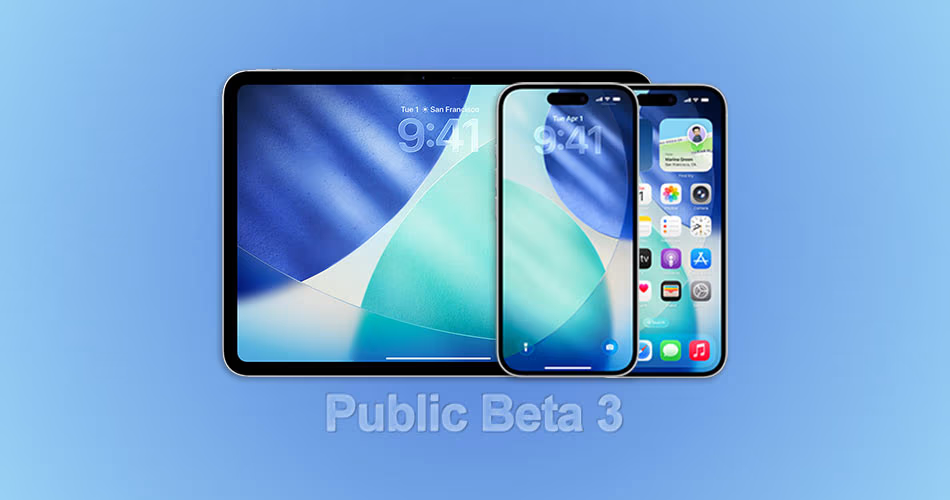
Apple has just released iOS 26 Public Beta 3 and iPadOS 26 Public Beta 3 for all testers in the Apple Beta Software Program. This build follows Developer Beta 6 and brings many of the same refinements and fixes, meaning public testers now get to experience a smoother, more polished version of iOS 26.
If you have a compatible iPhone or iPad, you can install the update over-the-air and explore what’s new as Apple gets closer to the final release.
Supported Devices
iOS 26 and iPadOS 26 work with the same devices that supported iOS 18 and iPadOS 18.
How to Install Public Beta 3
If you’re already on a previous public beta, installing this update is as simple as going to Settings > General > Software Update and downloading the latest version.
New testers need to:
- Sign up for the Apple Beta Software Program on Apple’s official site.
- Enable Beta Updates in Settings > General > Software Update > Beta Updates.
- Select iOS 26 Public Beta or iPadOS 26 Public Beta, then return to Software Update to install.
Tip: Always back up your data before updating, especially with beta software.
What’s New in Public Beta 3
Public Beta 3 inherits several changes from Developer Beta 6, including:
- Performance tuning for smoother animations and transitions.
- Improved battery management for better day-to-day usage.
- UI refinements across system apps and menus.
- Bug fixes for crashes, sync delays, and visual glitches.
- Under-the-hood optimizations aimed at stability ahead of the final release.
While no major new features have been spotted yet, this update is all about polishing the experience before launch.
Should You Install It?
Install if:
- You enjoy testing new features early.
- Are already on an older beta.
- You’ve backed up your device and can handle minor bugs.
Skip for now if:
- You rely on your device for mission-critical tasks.
- You prefer completely stable software.
Bottom line: iOS 26 and iPadOS 26 Public Beta 3 are less about big new features and more about refinement. If you’ve been waiting for a smoother beta experience, this is the one to try.



