Super Bowl Sunday is basically a national holiday at this point, and in 2026, watching the big game is easier than ever, especially if you’re already in the Apple ecosystem.
Super Bowl LX kicks off on Sunday, February 8, 2026, with NBC holding exclusive broadcast rights in the U.S. That also means streaming options are a little more specific this year, with Peacock playing a major role.
So whether you’re watching from your iPhone on the go, streaming on a Mac at work (no judgment), or setting up the Apple TV for a full living-room experience, here are the simplest ways to tune in.
The easiest way: Stream Super Bowl LX on Peacock
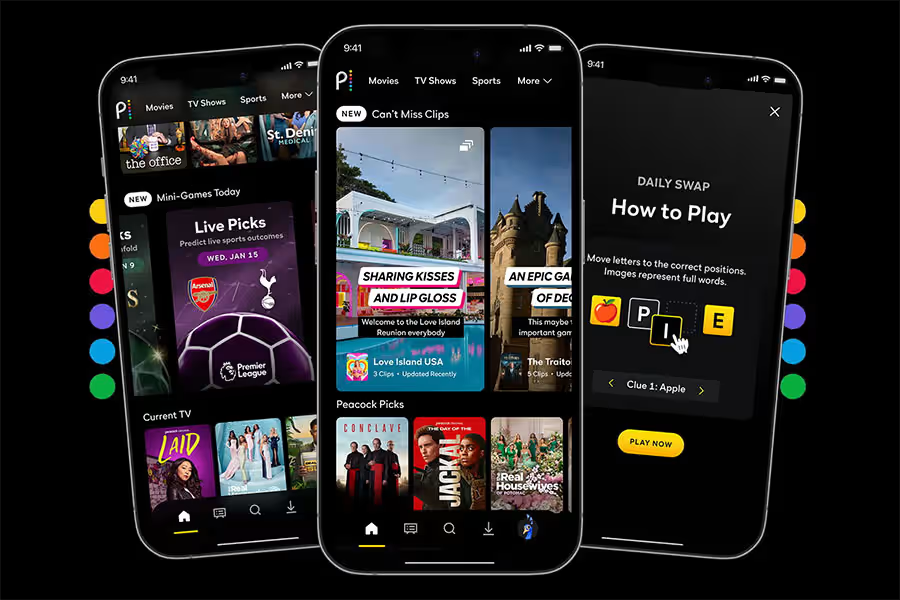
For most people, Peacock is the most direct and official streaming option.
NBC’s streaming service will carry the full Super Bowl broadcast, including:
- Pregame coverage
- The halftime show
- Postgame highlights
The only catch is that you’ll need a Peacock Premium subscription to watch live.
The good news: Peacock works smoothly across Apple devices.
- iPhone and iPad: Watch through the Peacock app
- Apple TV: Full big-screen streaming with the native app
- Mac: Stream directly from Peacock’s website in Safari or Chrome
If you want the simplest “one subscription, no cable login” option, Peacock is it.
Download Peacock TV from the App Store.
Already have cable? Use the NBC or NBC Sports app
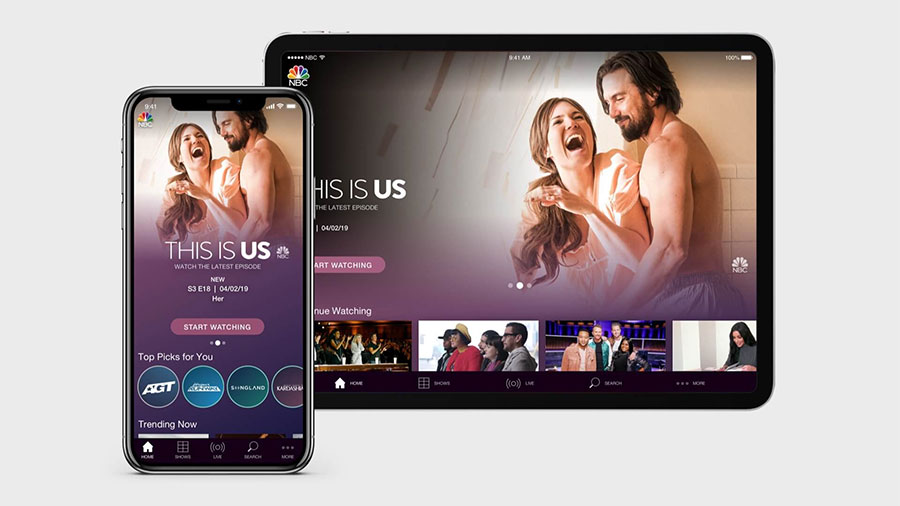
If you’re still paying for cable (or using a live TV service that counts as one), you don’t necessarily need Peacock.
NBC offers streaming through:
- The NBC app
- The NBC Sports app
These apps let you watch the live Super Bowl broadcast, but you will need to sign in with a TV provider.
This works if you subscribe to services like:
- YouTube TV
- Hulu + Live TV
- DirecTV Stream
- Traditional cable or satellite
Once you log in, it’s basically the same NBC feed you’d get on television.
Download The NBC App from the App Store.
Watching on iPhone or iPad only? The NFL app is another option
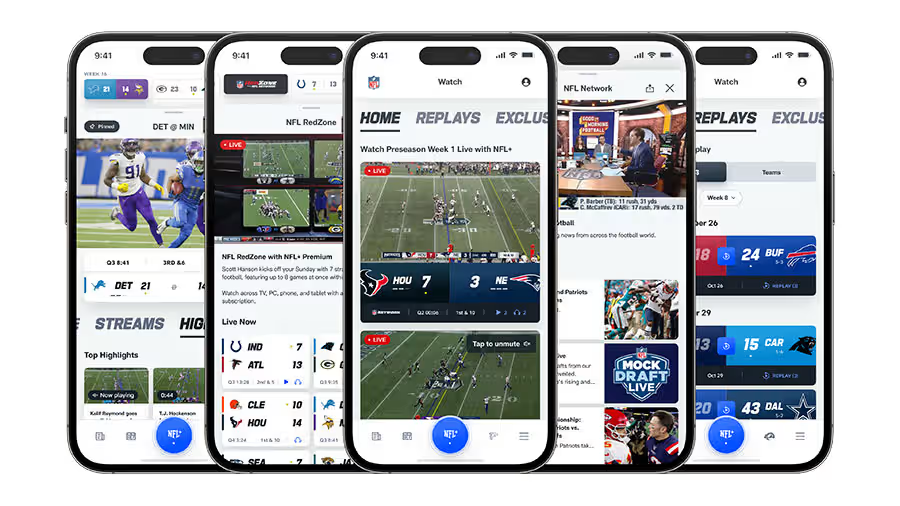
If you’re not near a TV and just want to watch on mobile, the NFL app is worth knowing about.
With an NFL+ Premium subscription, you can stream the Super Bowl live directly on:
- iPhone
- iPad
It’s a useful backup option, especially for travelers or anyone watching away from home.
Just keep in mind:
- NFL+ live streaming does not work on Apple TV
- It also does not stream live games on Mac
This is a mobile-first solution, not a full home setup.
Download NFL from the App Store.
Live TV streaming services also work (and feel most like cable)
If you already subscribe to a live TV streaming bundle, you’re covered.
Services like:
- YouTube TV
- Hulu + Live TV
- fuboTV
- Sling TV Blue
- DirecTV Stream
…typically carry your local NBC station, meaning you can watch the Super Bowl the same way you would on cable.
These apps support:
- iPhone
- iPad
- Apple TV
- Mac (through a browser)
A big advantage here is that many services include DVR-style controls, like pausing or rewinding live TV.
The downside: these plans usually cost more than Peacock.
Quick tip before game day
No matter which option you choose, it’s smart to test everything early.
Make sure:
- Your subscription is active
- Your app is updated
- Your login works
- Your stream plays smoothly
Super Bowl night is not the time to be resetting passwords.
The bottom line
If you’re watching Super Bowl LX on Apple devices in 2026, here’s the simplest breakdown:
- Peacock Premium is the easiest all-in-one option
- NBC apps work great if you already have a TV provider
- NFL+ is best for iPhone and iPad only
- Live TV streaming services are ideal if you want the full cable-style experience
However you watch, just make sure your snacks are ready before kickoff.