Apple has officially released iOS 26.3, and while this update is not packed with flashy redesigns, it quietly delivers meaningful upgrades focused on Android interoperability, privacy improvements, and important security fixes.
Here is everything new in iOS 26.3.
Transfer to Android gets a major upgrade
The biggest headline feature in iOS 26.3 is a brand-new Transfer to Android system.
Developed in collaboration with Google, this feature makes switching from iPhone to Android dramatically easier.
When setting up a new Android device, you can now simply place it next to your iPhone to initiate a wireless transfer. From there, your photos, messages, notes, apps, and more can move over seamlessly.
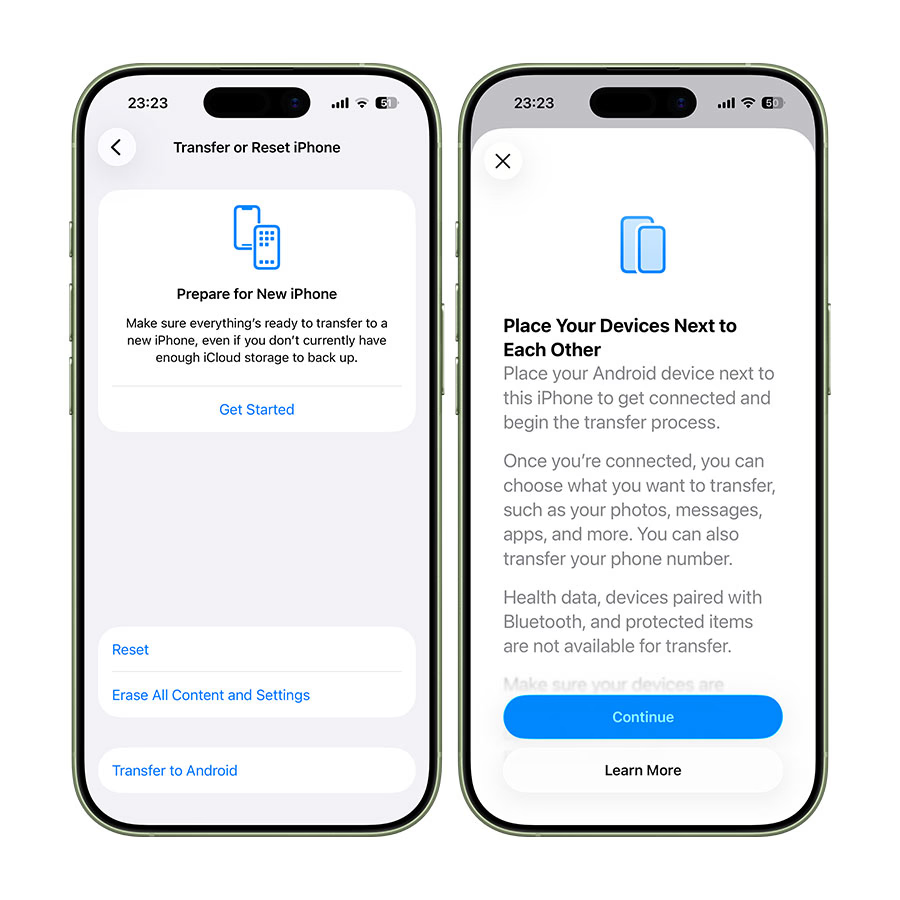
Even your phone number can transfer during the process.
However, Apple notes that sensitive data such as Health information, paired Bluetooth devices, and locked notes will not transfer. Apple and Google say additional data types may be added over time as testing continues.
It is a surprisingly pro-user move. Apple is basically acknowledging that switching platforms should not feel like digital punishment.
Wallpaper changes
Apple has made a small but noticeable tweak to the Wallpapers section.
Previously, Weather and Astronomy wallpapers lived under one category. In iOS 26.3, they are now split into separate sections.
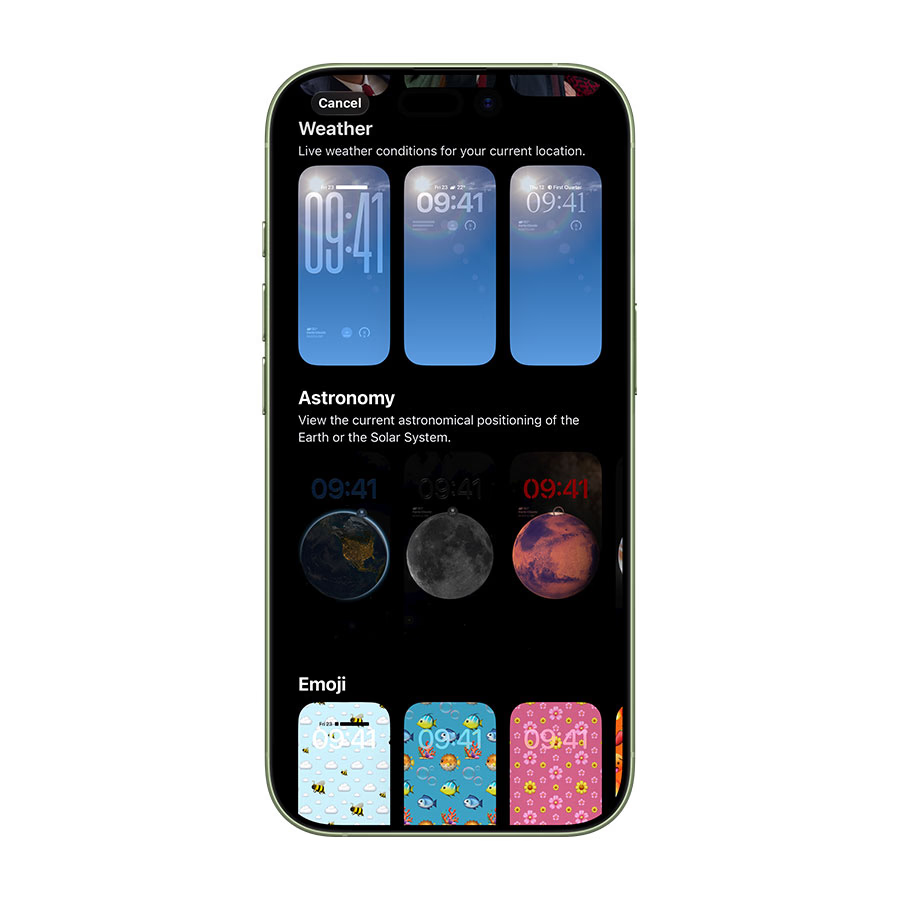
The wallpapers themselves are unchanged, but Apple added a few new pre-built Weather wallpaper options. Weather wallpapers continue to display live conditions for your location, while Astronomy wallpapers show real-time Earth or Solar System positioning.
It is subtle, but it makes the menu feel cleaner.
New “Limit Precise Location” privacy feature
Privacy gets a meaningful upgrade in iOS 26.3 with a new option called Limit Precise Location.
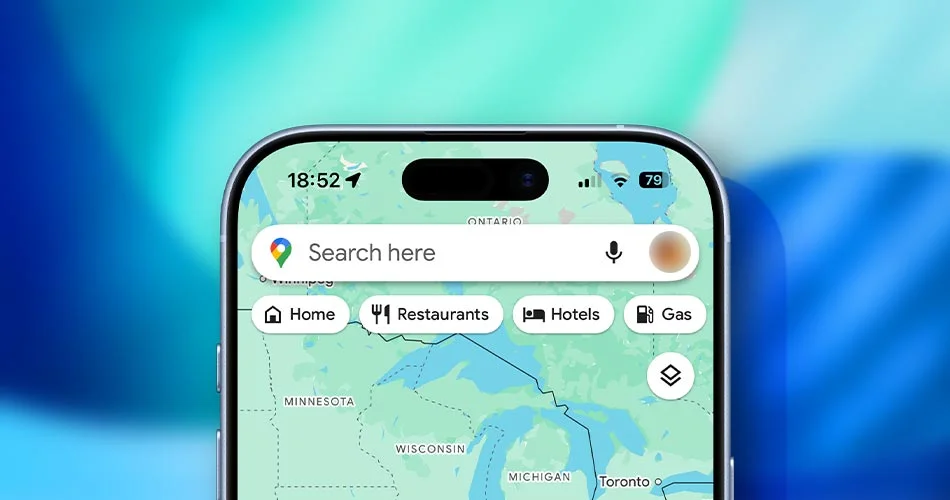
This feature restricts how accurately cellular networks can determine your location. Instead of pinpointing a specific address, carriers may only see a general neighborhood-level location.
To use this feature, you will need:
- iPhone Air, iPhone 16e, or iPad Pro M5 Wi-Fi + Cellular
- iOS 26.3 or later
- A supported carrier such as Telekom (Germany), EE or BT (UK), Boost Mobile (US), AIS or True (Thailand)
You can find the toggle in Settings > Cellular > Cellular Data Options.
For privacy-conscious users, this is one of the most underrated additions in this update.
EU-specific changes
In the European Union, iOS 26.3 introduces additional functionality:
- Proximity pairing for third-party accessories similar to AirPods
- Expanded NFC capabilities for initiating device connections
- High-bandwidth peer-to-peer Wi-Fi support
That high-bandwidth Wi-Fi feature is also what powers the new Android-to-iPhone switching system.
One feature that appeared during beta testing, Notification Forwarding for third-party devices, did not make it into the final release.
37 security fixes
Security is a major focus in iOS 26.3. Apple says the update patches 37 vulnerabilities, and at least one of them was actively exploited in the wild.
Even if none of the new features excite you, this alone makes the update worth installing.
Suggested: Download iOS 26.3 IPSW and iPadOS 26.3 IPSW (Direct Links)
iOS 26.3 is smaller than iOS 26.2, but it is quietly important. Between improved Android transfers, stronger privacy controls, and dozens of security patches, this is one of those “install it immediately” updates.
Have you updated yet? Head to Settings > General > Software Update to grab it.