


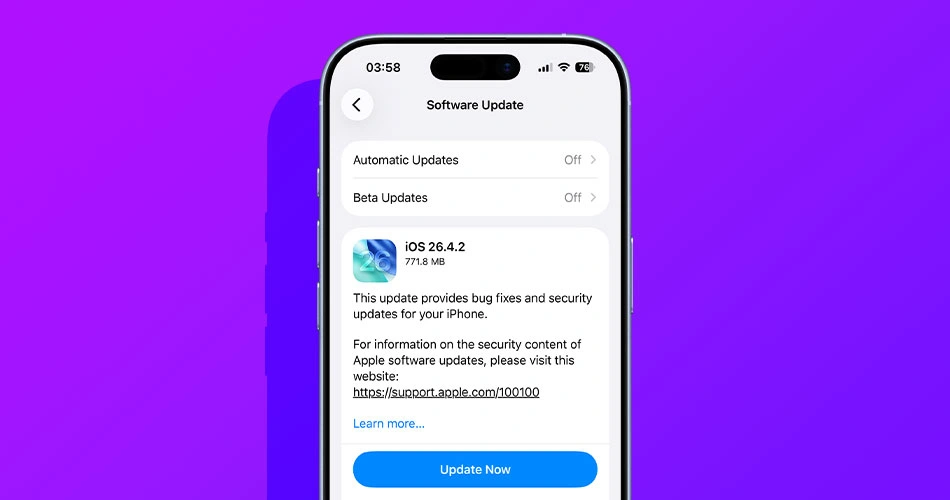
Apple has rolled out iOS 26.4.2 and iPadOS 26.4.2, a small but important update that arrives just weeks after the last bug-fix release.
There’s nothing flashy here. No new features, no visible changes. But this is exactly the kind of update you don’t want to ignore.
If you prefer a clean install or just want more control over the process, you can download the IPSW files below.
Download iOS 26.4.2 and iPadOS 26.4.2 IPSW
The latest builds are now available for manual installation through Finder or iTunes.
iOS 26.4.2 IPSW download links
iPadOS 26.4.2 IPSW download links
Apple also released iPadOS 26.4.2 for supported iPad models.
What’s actually new in iOS 26.4.2
Apple’s official release notes don’t say much, but there is one fix that stands out.
The update resolves an issue where notifications marked for deletion could still remain accessible on the device. It’s the kind of bug that flies under the radar, but it touches privacy and system behavior in a way that makes it worth fixing quickly.
Beyond that, this release focuses on general bug fixes and security updates. It’s part of Apple’s ongoing effort to stabilize the system before the next round of feature updates lands.
Why this update matters right now
We’re at a transitional point in Apple’s software cycle. iOS 26.5 is already in beta with upcoming feature changes, while iOS 27 is set to be unveiled soon at WWDC 2026.
That makes iOS 26.4.2 a maintenance release. It’s less about adding new capabilities and more about making sure everything runs reliably before bigger updates arrive.
Following the iCloud sync fix in iOS 26.4.1, this looks like Apple continuing to clean up smaller but important issues behind the scenes.
How to install the update
If you’re not using IPSW files, the easiest way to install the update is through Settings. Just head to General, then Software Update, and install from there.
For a manual install, connect your device to a Mac or PC, open Finder or iTunes, and select the IPSW file while updating.
Should you update?
Yes. Even if this doesn’t look like a major release, it fixes a real issue tied to how your device handles notifications and data.
If you’re waiting for new features, those are coming with iOS 26.5. But if you want a stable and secure experience right now, this update is worth installing.



