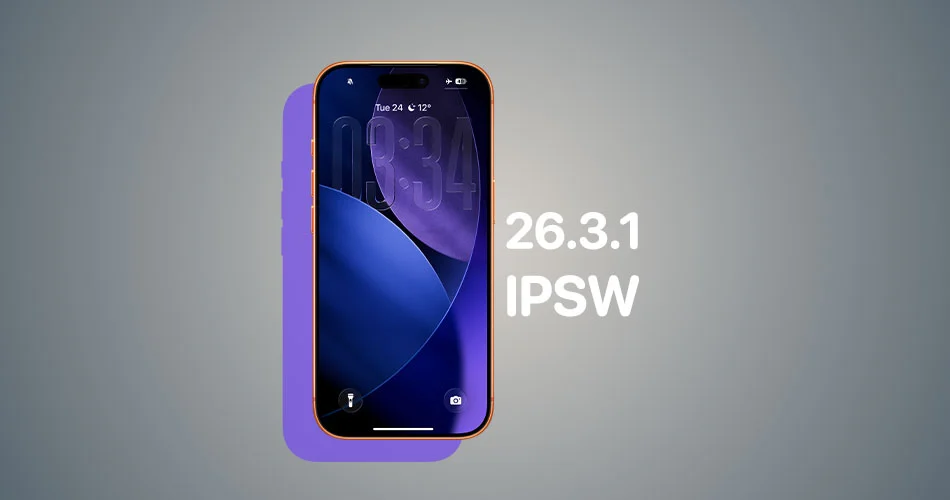
Apple has officially released iOS 26.3.1 and iPadOS 26.3.1 to the public. This is a minor point update focused primarily on bug fixes, security patches, and system stability improvements for iPhone and iPad users.
Unlike larger feature-driven releases, version 26.3.1 is designed to refine performance and address issues reported in earlier builds. If you are running iOS 26.3 or iPadOS 26.3, this update is recommended.
How to download iOS 26.3.1 and iPadOS 26.3.1
Via OTA
To install the update on your device:
- Head to Settings > General
- Select Software Update
- Tap Download and Install
The rollout may appear in phases, so if the update is not visible immediately, check again shortly.
Direct IPSW download links
iOS 26.3.1 IPSW Download Links
iPadOS 26.3.1 IPSW Download Links
Make sure you download the correct file for your device model before proceeding.
Users who prefer manual installation can download the correct IPSW file for their specific device model and update via Finder or compatible tools. Make sure you select the proper file for your exact device variant before proceeding.
What’s new in iOS 26.3.1 and iPadOS 26.3.1
While Apple has not introduced major new features in this build, the update includes:
- Security patches addressing recently discovered vulnerabilities
- Stability improvements across system apps
- Performance refinements for supported iPhone and iPad models
Minor updates like 26.3.1 often contain important behind-the-scenes fixes that improve reliability, battery efficiency, and overall responsiveness.
Should you update?
Yes. Even though iOS 26.3.1 and iPadOS 26.3.1 do not introduce visible changes, security updates are critical for protecting your device and personal data.
As always, back up your iPhone or iPad before installing any software update.