


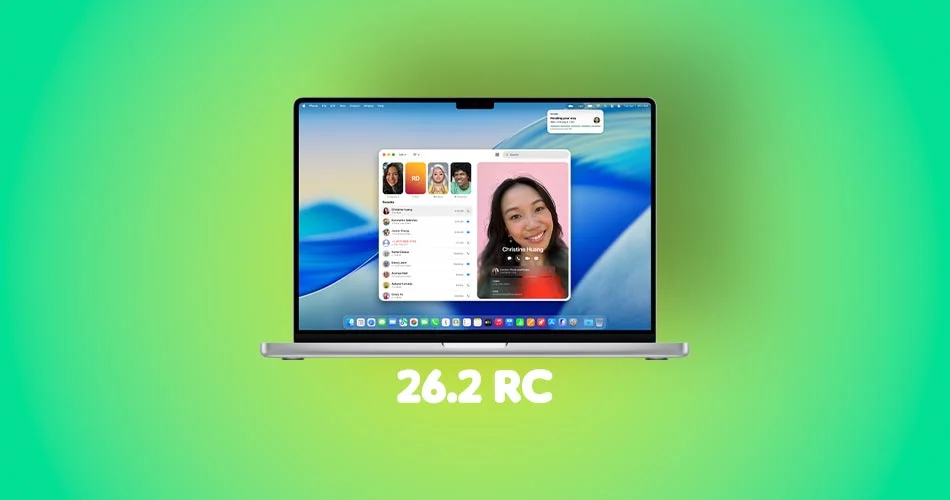
Apple has released the macOS Tahoe 26.2 Release Candidate to developers and public beta users. This version is mainly focused on cleaning up bugs and smoothing out performance, but it does bring a few notable features worth highlighting.
What’s New in macOS Tahoe 26.2 RC
Edge Light Effect for Video Calls
The headlining feature is the new Edge Light effect. It acts like a virtual ring light that brightens your face during video calls by lighting up the border of your display. It is subtle, helpful and surprisingly polished.
Early Work on Thunderbolt 5 Mac Clusters
Apple is preparing a low-latency feature that will allow Thunderbolt 5 Macs to connect in a cluster for heavier workloads. It is not fully live yet, but the foundations are appearing in macOS 26.2.
“Urgent” Reminders
Just like in iOS 26.2, the Reminders app is adding an Urgent option. It gives tasks a higher priority without forcing you to schedule alarms.
Refined Performance and Stability
The RC feels smoother, menus load faster, and animations are more consistent. Apple seems to be preparing this update as a solid pre-holiday release.
The build number rolling out is 25C56.
How to Install macOS Tahoe 26.2 Developer RC
If you are enrolled in the Apple Developer Program, the RC is simple to install.
- Back up your Mac
- Open System Settings
- Go to General > Software Update
- Tap the “i” next to Beta Updates
- Select macOS Developer Tahoe Beta
- Hit Done
How to Install macOS Tahoe 26.2 Public Beta
If you want the RC through the public beta track, start by enrolling at beta.apple.com. Once you are signed in and registered, follow these steps:
- Open System Settings
- Go to General > Software Update
- Tap the “i” icon next to Beta Updates
- Choose macOS Tahoe 26 Public Beta from the menu
- Hit Done
The update should appear right away.



