


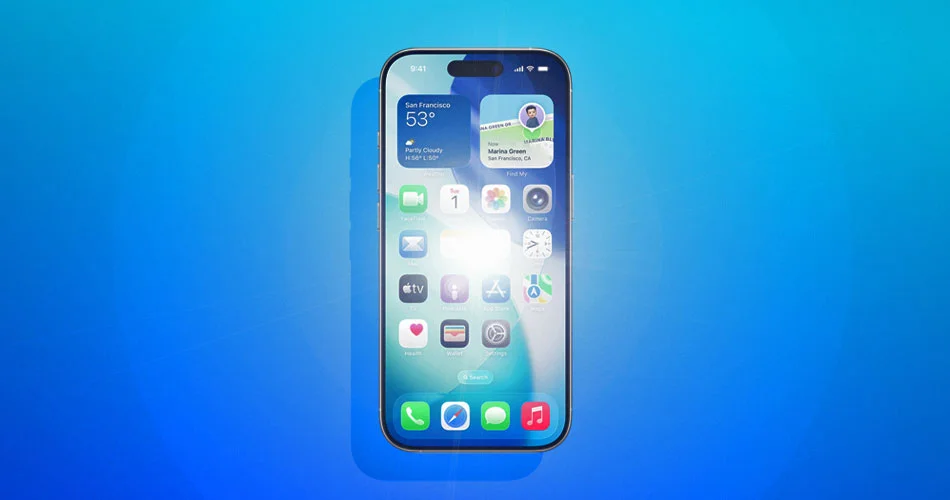
When Apple introduced the Liquid Glass interface in iOS 26, it brought a more dynamic look to the iPhone. Translucent layers, reflective surfaces, and bright tap animations made the system feel more alive than previous versions of iOS.
But not everyone loves how intense those visual effects can be.
Some users have found the bright flashing highlights that appear when interacting with interface elements a little distracting, especially at night or during extended use.
With iOS 26.4 beta 4, Apple appears to be addressing that feedback with a new setting designed to calm things down.
The problem with Liquid Glass for some users
Liquid Glass relies heavily on bright visual responses when you tap or interact with UI elements.
For many people, this makes the interface feel more responsive and modern. But for others, the effect can feel a bit overdone.
Common complaints include:
- bright flashes when tapping controls
- distractions when using the phone in darker environments
- visual fatigue during long sessions
It is a small detail, but because it happens constantly throughout the interface, it can start to feel noticeable.
The new fix in iOS 26.4
Apple has introduced a new accessibility option called ‘Reduce Bright Effects.’
This setting reduces the brightness of the flashing highlight animations used across the Liquid Glass interface.
You can find it here: Settings > Accessibility > Display & Text Size > Reduce Bright Effects
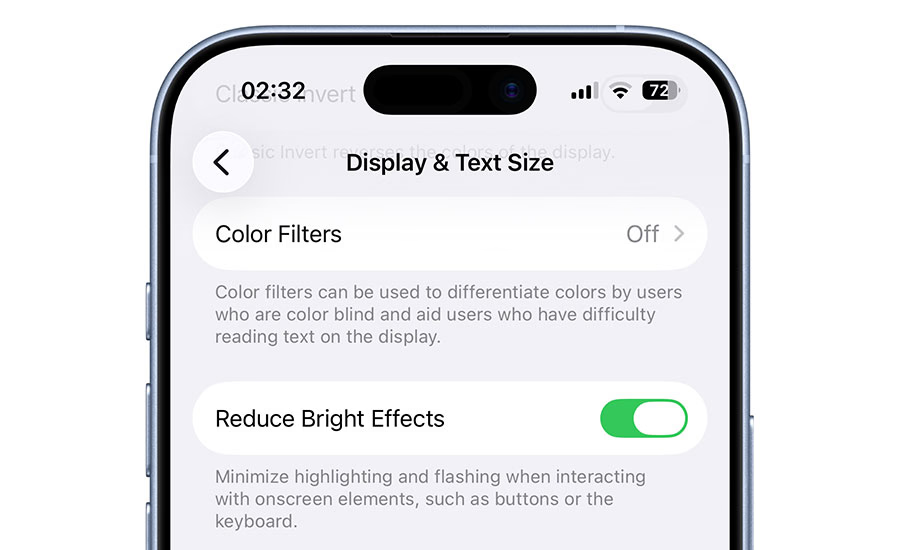
Once enabled, the interface interactions feel noticeably calmer while still maintaining the overall Liquid Glass aesthetic.
In other words, you keep the design, just without the brightest flashes.
Combine it with this other iOS setting
Apple has already added another option for users who want to tone down Liquid Glass even further.
In iOS 26.1, Apple introduced a Tinted interface option inside the Display & Brightness settings.
This replaces the default “Clear” Liquid Glass look with a more subdued appearance that feels closer to earlier versions of iOS.
Using both together:
- Tinted interface mode
- Reduce Bright Effects
can make the interface feel significantly less flashy while keeping the modern design intact.
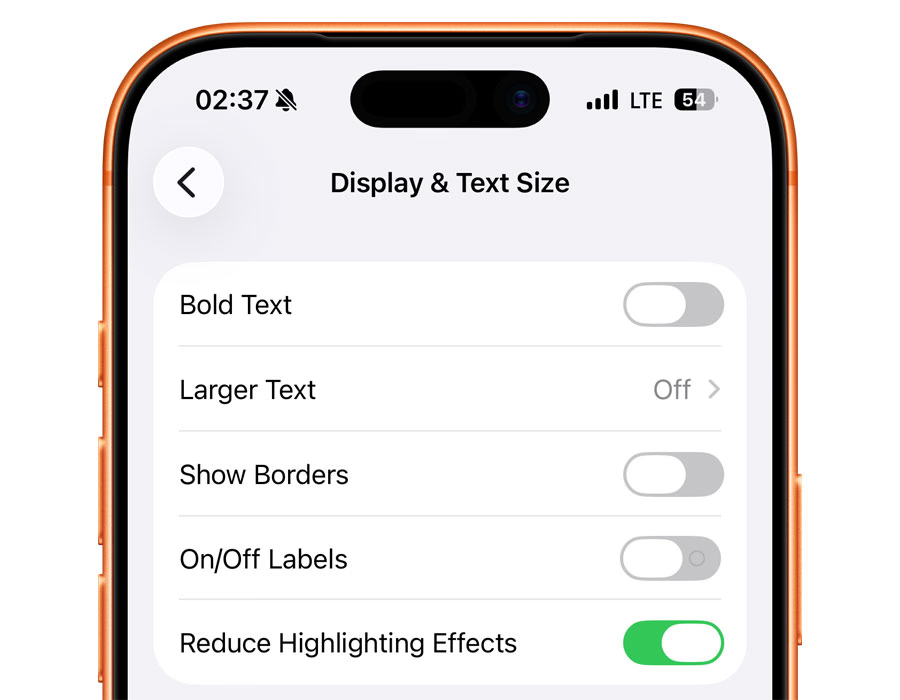
iOS 26.4 beta 2 introduced a Reduce Highlighting Effects toggle in Accessibility. This new Reduce Bright Effects now replaces that option in beta 4.
Apple is still refining Liquid Glass
Since launching iOS 26, Apple has been gradually refining the Liquid Glass experience based on real-world feedback.
Small customization options like these are a common pattern for Apple software updates, especially when a major visual redesign is involved.
As testing continues for iOS 26.4, it would not be surprising to see even more tweaks before the update reaches the public.
For users who like the new design but want something a little easier on the eyes, this new setting might end up being one of the more useful additions in the update.



