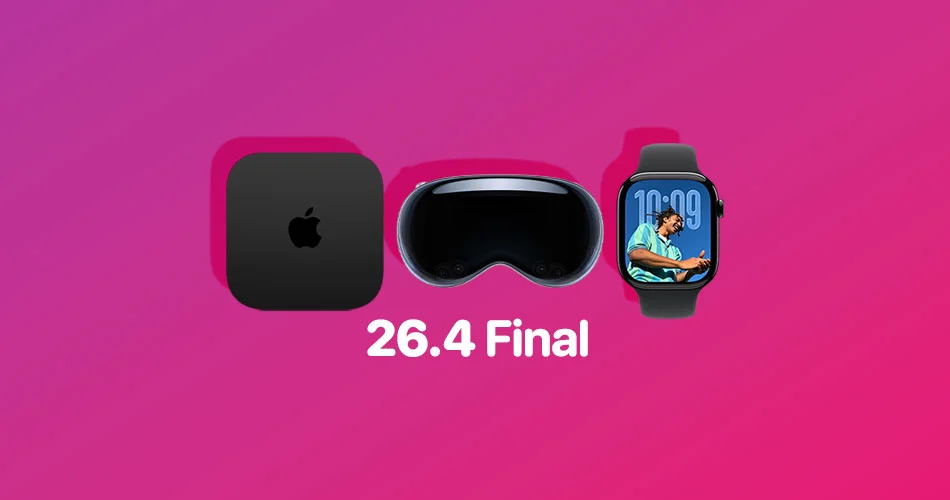
Alongside recent iPhone and Mac updates, Apple has now rolled out visionOS 26.4, tvOS 26.4, and watchOS 26.4.
These updates don’t introduce major headline features, but they bring a mix of practical improvements, system refinements, and small additions that improve the overall experience across Apple devices.
Here’s a quick look at what’s new and how to update.
visionOS 26.4: Faster Spatial Audio and AirPods Max 2 support
visionOS 26.4 is now available for the Apple Vision Pro, and it focuses primarily on performance and ecosystem improvements.
One of the more notable upgrades is improved Spatial Audio behavior. The system can now remember the acoustic properties of spaces you’ve used before, allowing Spatial Audio to start faster and feel more consistent when you return to familiar environments.
The update also adds support for AirPods Max 2, aligning the Vision Pro experience with Apple’s latest audio hardware.
As with other platform updates, visionOS 26.4 includes eight new emoji along with general bug fixes and security improvements.
How to update visionOS 26.4
To install the update, open Settings on your Vision Pro, head to General > Software Update. The headset must be removed during installation, and progress will appear on the external EyeSight display.
tvOS 26.4: New Genius Browse feature and app changes
tvOS 26.4 introduces a more noticeable change with a new content discovery feature called Genius Browse.
Available in the Apple TV app, this feature surfaces personalized recommendations for movies and shows across different categories. The suggestions update dynamically based on your viewing habits.
Apple is also continuing its transition away from legacy apps. With this update, the dedicated iTunes Movies and iTunes TV Shows apps are fully removed, and users are encouraged to manage content through the Apple TV app instead.
Additional updates include easier subtitle customization and improvements to audio settings, including a Continuous Audio Connection option for HDMI output.
How to update tvOS 26.4
On your Apple TV, head to Settings, then System > Software Update. If automatic updates are enabled, the update may already be installed.
watchOS 26.4: Faster workouts and small usability tweaks
watchOS 26.4 brings a small but practical improvement to workouts on the Apple Watch.
You can now start a workout more quickly by tapping directly on a workout type icon, reducing the steps needed to begin tracking an activity.
The update also includes support for AirPods Max 2, along with the same set of eight new emoji and general system improvements.
How to update watchOS 26.4
Open the Apple Watch app on your iPhone, head to General > Software Update. Make sure your watch has at least 50 percent battery and is placed on a charger during installation.
A consistent update across Apple platforms
While none of these updates are major on their own, they reflect a consistent pattern across Apple’s ecosystem.
Instead of introducing large new features, these releases focus on improving performance, refining existing tools, and preparing devices for upcoming changes in future versions.
If you’re already running the latest versions of iOS and macOS, updating the rest of your Apple devices helps keep everything working smoothly together.
visionOS 26.4, tvOS 26.4, and watchOS 26.4 are all incremental updates, but they bring useful refinements across Apple’s ecosystem.
From faster Spatial Audio on Vision Pro to improved content discovery on Apple TV and quicker workouts on Apple Watch, these updates are worth installing for most users.