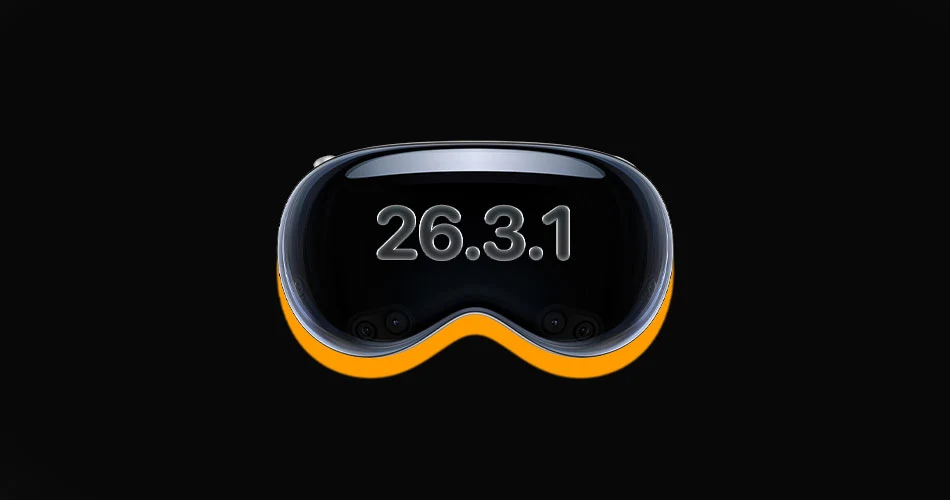
Apple has released visionOS 26.3.1 for Apple Vision Pro, delivering a targeted fix for an issue affecting the Apple TV experience.
According to Apple’s official release notes, the update resolves a flickering problem that could occur when watching sports using MultiView inside the Apple TV app.
What’s fixed in visionOS 26.3.1
The update specifically addresses:
- A flicker issue when streaming sports
- Problems appearing during MultiView sessions in the Apple TV app
MultiView allows users to watch multiple streams simultaneously within the Apple TV app, making it particularly useful for live sports. With the MLS season now underway, the bug likely became more noticeable as more users tuned in to concurrent matches.

The timing suggests Apple moved quickly to stabilize the viewing experience for live sports fans using Vision Pro.
A quick turnaround update
visionOS 26.3.1 arrives roughly two weeks after visionOS 26.3 was released. This indicates the flickering issue was significant enough to warrant a dedicated point update rather than waiting for a larger feature release.
While this update does not introduce new features, it improves reliability in one of Vision Pro’s key entertainment use cases: immersive live sports viewing.
How to Install visionOS 26.3.1
To update your Apple Vision Pro:
- Open Settings
- Tap General
- Select Software Update
- Download and install visionOS 26.3.1
As with all system updates, it is recommended to ensure your device is sufficiently charged before installing.