


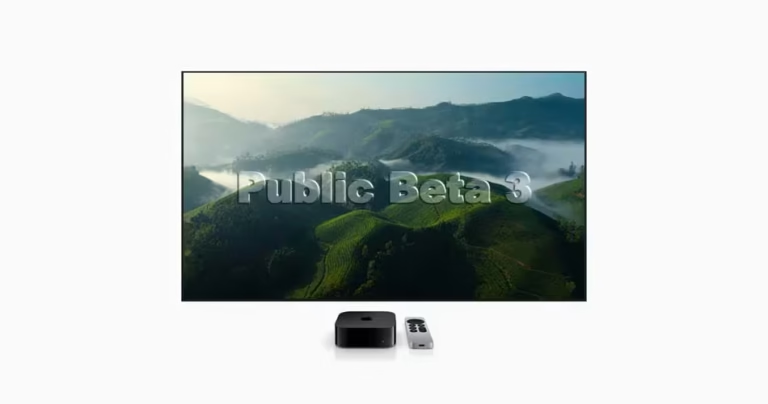
Apple releases tvOS 26 Public Beta 3 with Liquid Glass UI, smoother navigation, and performance updates. Learn how to install it on Apple TV today.
Apple releases tvOS 26 Public Beta 3 with Liquid Glass UI, smoother navigation, and performance updates. Learn how to install it on Apple TV today.
Apple has released watchOS 26, tvOS 26, and visionOS 26 Beta 6 with enhanced performance and new features. Here’s how to install it on your devices.
Apple has released tvOS 26 Public Beta 2 for Apple TV users. Here’s how to download and install the latest beta and explore features like the Liquid Glass interface.
Apple rolls out watchOS 26, tvOS 26, and visionOS 26 Beta 5 with performance upgrades and new features. Learn what’s new and how to install them.
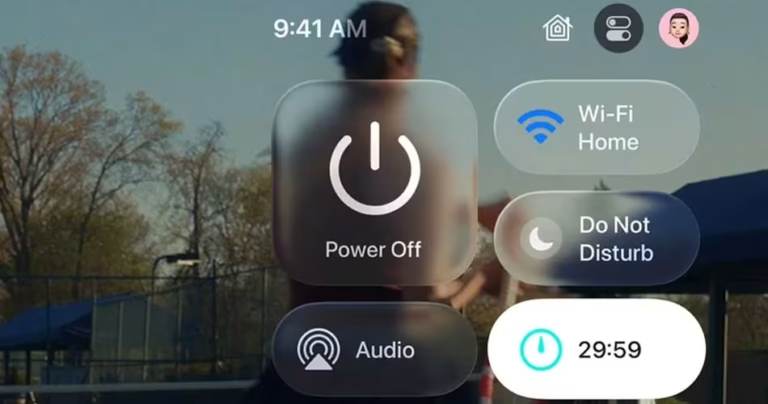
Want to test the new Liquid Glass visuals on your Apple TV? The tvOS 26 Public Beta is now available, and installing it is surprisingly simple. Here’s how you can download and install the beta update for free and explore what’s new.
Apple has released watchOS 26, tvOS 26, and visionOS 26 Beta 4 for developers, bringing new features like AI-powered workouts, karaoke support, spatial widgets, and UI enhancements. Here’s what’s new and how to install the latest betas.
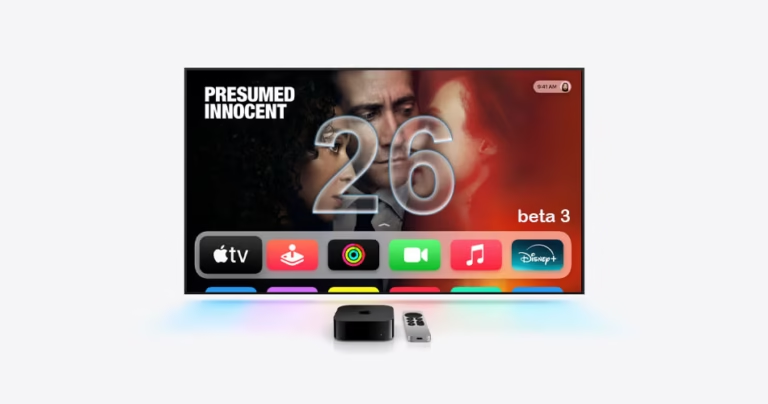
Apple has released tvOS 26 beta 3 with performance improvements and the evolving Liquid Glass UI. Here’s how to download the developer beta on your Apple TV.
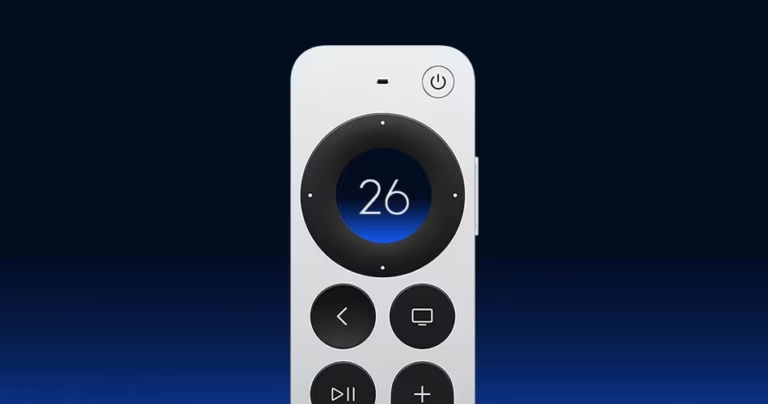
Apple TV gets its second tvOS 26 beta update to download and install on compatible Apple TV devices.
Apple’s tvOS 26 update brings the sleek Liquid Glass design to Apple TV, a redesigned Apple TV app, Apple Music karaoke mode, and smoother FaceTime experience. Here’s everything new.