


Apple has released iOS 26 Beta 1 for developers, and the official release notes highlight the features, fixes, and known issues you should know before installing.
Apple has released iOS 26 Beta 1 for developers, and the official release notes highlight the features, fixes, and known issues you should know before installing.
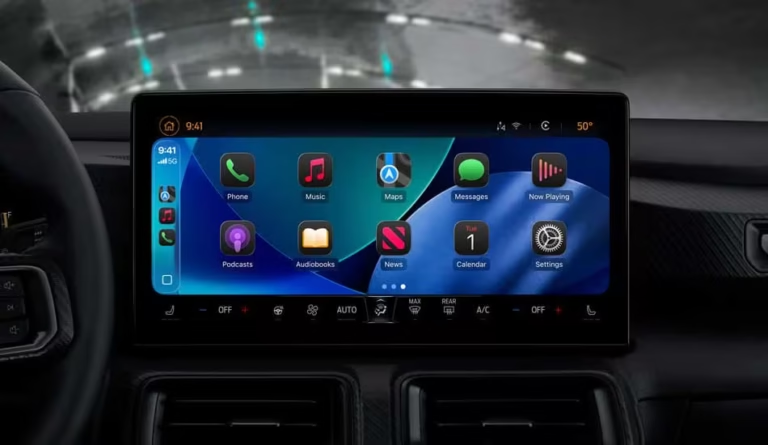
Apple revamps CarPlay in iOS 26 with sleek Liquid Glass design, new widgets, Live Activities, Tapbacks, and more for an enhanced in-car experience.
Here’s how to downgrade iOS 26 beta and iPadOS 26 beta to iOS 18.5 safely, step-by-step.
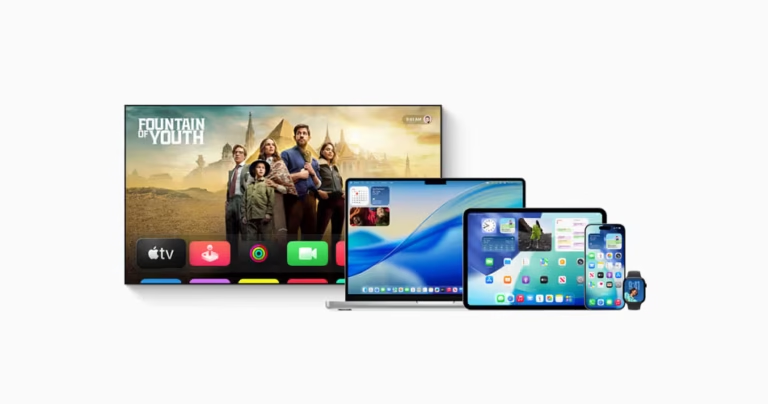
Apple reveals new Liquid Glass UI in iOS 26, macOS Tahoe, and more, bringing dynamic, glass-like effects and a fresh look across all platforms.
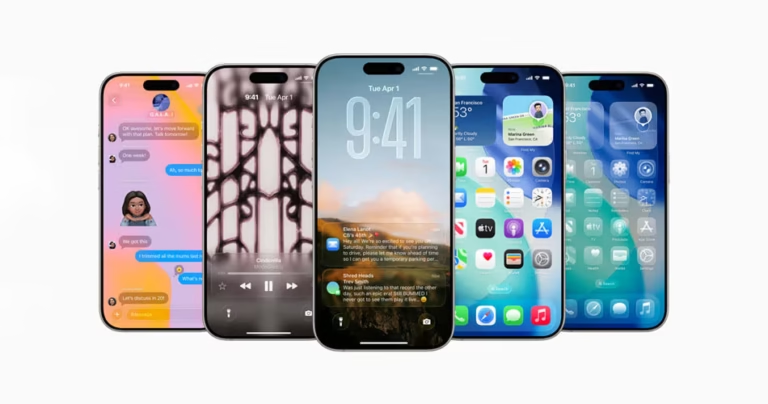
iOS 26 gets a fresh “Liquid Glass” redesign with new UI elements, improved consistency, and Apple Intelligence updates, shapes, menus, apps all shine.
Apple is launching a new Apple Games app in iOS 26, blending Game Center features with curated games. A new domain has gone live ahead of WWDC25.
Find out if your iPhone supports iOS 26 with this full compatibility list. Check if your device can run Apple’s latest update before installing the beta.
Download and install iOS 26 Beta 1 and iPadOS 26 Beta 1 today! Get step-by-step instructions to try Apple’s latest software update on your iPhone and iPad.
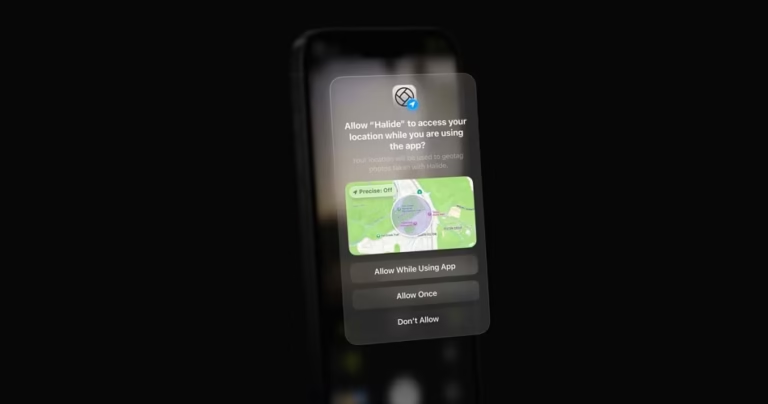
iOS 26 will be using a ‘Liquid Glass’ UI redesign according to a last minute report, ahead of WWDC25. Here’s what to expect.