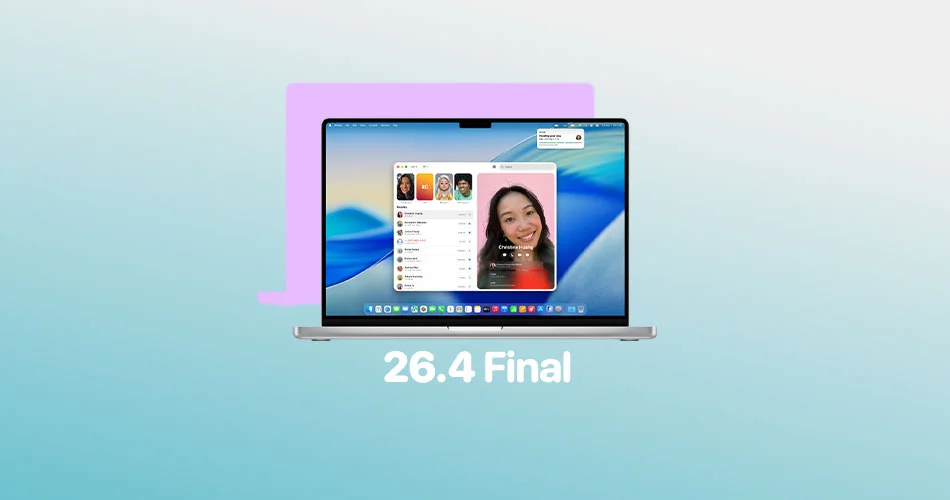
Apple has officially released macOS 26.4, and the update is now rolling out to all compatible Macs.
If you’re planning to update, here’s how to download macOS 26.4, what to expect during installation, and where it fits in Apple’s broader software roadmap.
How to download macOS 26.4
Updating to macOS 26.4 is straightforward.
On your Mac, open System Settings, head to General > Software Update. If the update is available for your device, you’ll see the option to download and install macOS 26.4.
For most users, this is the easiest and recommended method.
If you prefer a clean install or need the full installer for multiple machines, you can also download macOS through Apple’s official channels and create a bootable installer.
Should you install macOS 26.4?
macOS 26.4 is not a massive feature update, but it does include a mix of practical improvements and fixes that make it worth installing for most users.
One of the more noticeable changes is the fix for the window resize pointer issue, where the cursor didn’t align properly with window corners. It was initially unclear whether this bug was fully resolved, but the final release appears to address it properly.
The update also introduces a native Charge Limit setting, allowing users to cap battery charging between 80% and 100 percent. This is a feature that previously required third-party apps, and its inclusion at the system level makes it far more convenient.
Other notable changes in macOS 26.4
macOS 26.4 also brings back Safari’s compact tab layout, giving users the option to switch between separate and compact tabs after it was removed in an earlier release.
Apple is also beginning to prepare users for the future by adding warnings for apps that rely on Rosetta 2. Since macOS 27 will be the final version to support Rosetta, this update acts as an early signal for both users and developers.
There are also smaller refinements across the system, including updates to Reminders, improved subtitle and caption controls, and changes to Family Sharing that allow adult members to use their own payment methods.
New emoji and system polish
As with other platform updates, macOS 26.4 includes a new set of emoji. These will only display correctly on devices running the latest software, which is worth keeping in mind if you communicate across mixed OS versions.

Beyond that, the update focuses on polish rather than introducing entirely new workflows, making it a stability-focused release overall.
Want the full feature breakdown?
If you’re looking for a complete list of everything new in macOS 26.4, including deeper feature coverage and smaller changes, check out our full breakdown here: macOS 26.4 RC Features: Charge Limit, Bug Fixes, Rosetta 2 Warning.
macOS 26.4 is a refinement update that improves reliability, adds a few long-requested features, and prepares users for upcoming platform changes.
It may not be a headline-grabbing release, but it’s a solid update that most users should install without hesitation.