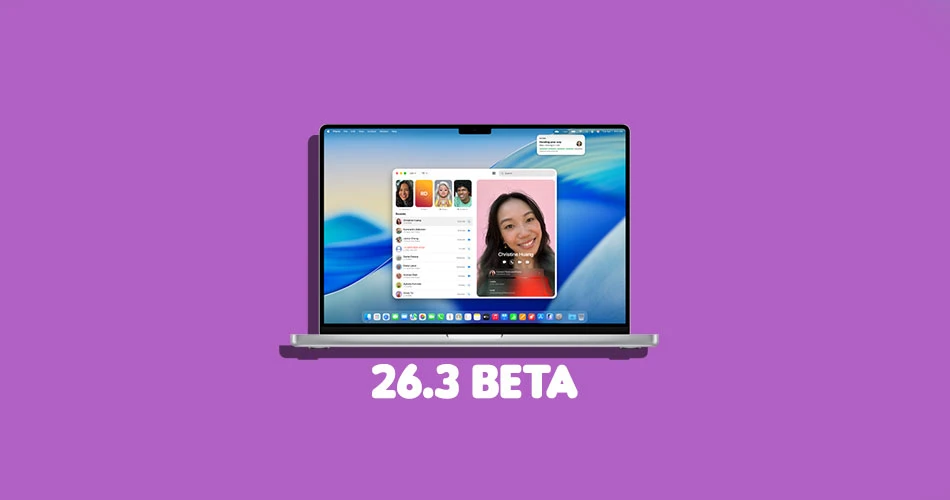
Just days after dropping macOS 26.2, the company has seeded macOS 26.3 developer beta 1 to registered developers.
While we don’t yet know all the new goodies, early indications point to some interesting groundwork for AI features, Siri improvements, and other Apple Intelligence upgrades.
What to Expect in macOS 26.3
macOS 26.2 brought us Edge Light, a ring-light effect for video calls, and a low-latency cluster feature connecting multiple Macs via Thunderbolt 5. For macOS 26.3, Apple seems focused on continuing AI integration under the hood, possibly setting the stage for macOS 26.4 and beyond.
Some of the rumored highlights include:
- AI System Framework Enhancements: The new beta may extend compatibility with Apple’s Model Context Framework (MCP), letting AI interact more seamlessly with third-party apps like Google Docs or Zapier.
- Siri Revamp: Code hints suggest ongoing improvements to Siri’s intelligence and responsiveness, likely paired with better system-wide AI integration.
- Foundation for Future Features: This beta is expected to continue building out Apple Intelligence tools and other under-the-hood updates that won’t necessarily be immediately visible.
How to Install macOS 26.3 Developer Beta 1
If you’re a registered developer, here’s a quick guide to installing the new beta safely:
- Backup Your Mac – Always the first step before any beta installation.
- Open System Settings – Click the Apple menu and select System Settings.
- Go to Software Update – Navigate to General → Software Update.
- Select Beta Updates – Click the ‘i’ icon next to Beta Updates and choose macOS Developer Tahoe Beta from the dropdown.
- Hit Done and Install – Your Mac will download and install the update.
The release build for macOS 26.3 developer beta 1 is 25D5087f, so keep an eye out for new features as developers explore it.
Final Thoughts
macOS 26.3 is mostly a developer-focused update for now, emphasizing bug fixes, performance improvements, and AI groundwork. While there aren’t flashy new user-facing features yet, it’s an important step toward the next wave of macOS capabilities.
For everyday users, the takeaway is simple: if you love tinkering and testing, this beta is your chance to peek at what’s coming next. Otherwise, keep an eye on official releases over the next few weeks.