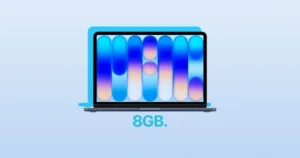
Apple’s MacBook Neo is now official, and it’s not just the hardware that’s exciting. The new laptop comes in four stunning colors: Silver, Indigo, Blush, and Citrus.
Each MacBook Neo color has a matching wallpaper that perfectly complements its sleek design. You can download all four wallpapers and give your desktop the same vibrant style as your new Mac.
These wallpapers are high-resolution and optimized for macOS, ensuring they look sharp and crisp on your screen. Whether you’re using a MacBook, iMac, or even a secondary monitor, these wallpapers will bring the fresh, modern aesthetics of Apple’s latest low-cost Mac right to your desktop.
Download all 4 MacBook Neo wallpapers
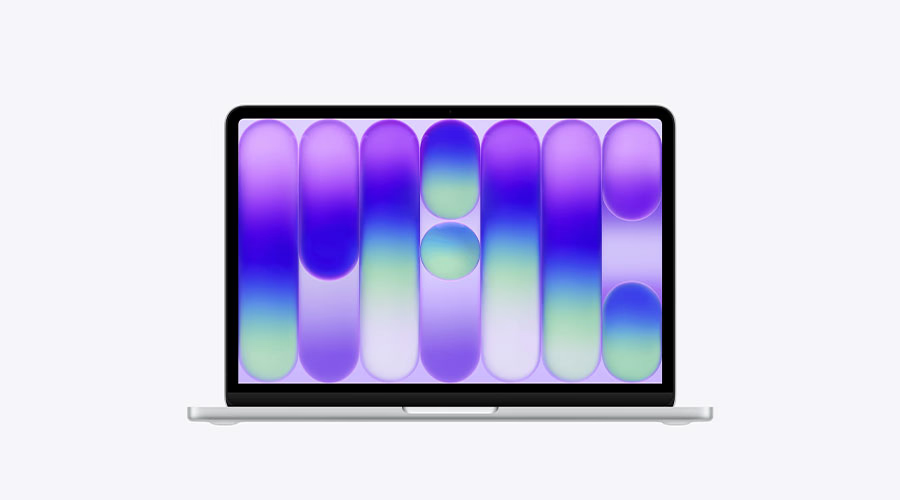
MacBook Neo Silver wallpaper [Download]
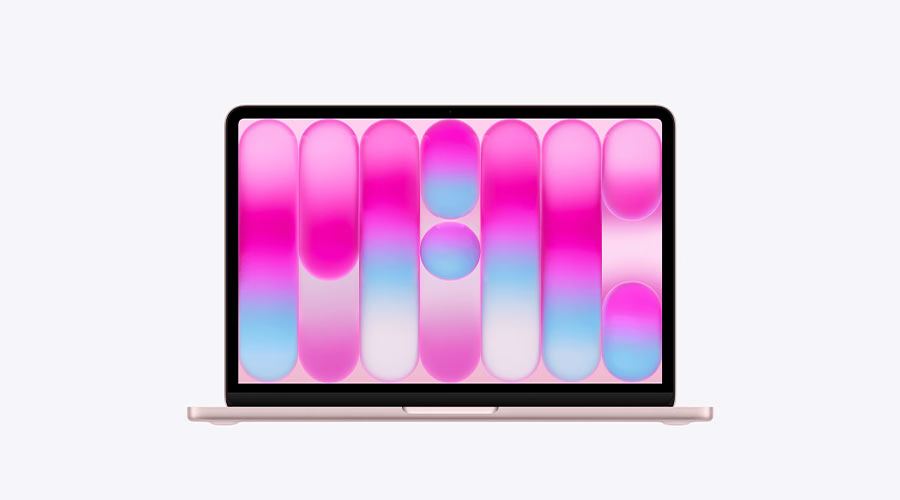
MacBook Neo Blush wallpaper [Download]
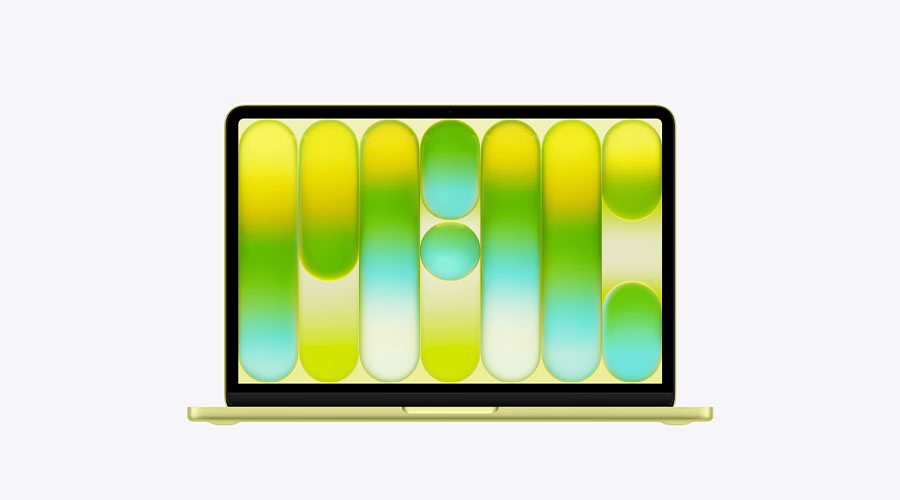
MacBook Neo Citrus wallpaper [Download]
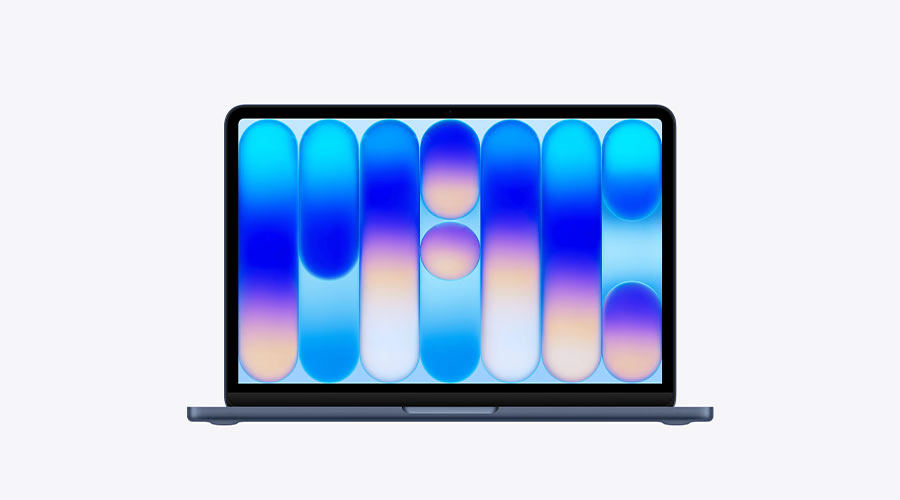
MacBook Neo Indigo wallpaper [Download]
SUGGESTED: MacBook Neo USB-C Ports Are Not the Same: One Is Limited to USB 2 Speeds
How to Set the Wallpaper on macOS
After downloading your preferred wallpaper, you can set it in just a few steps:
Using System Settings:
- Open System Settings on your Mac.
- Click Wallpaper in the sidebar and scroll to Your Photos.
- Click Add Photo, select the downloaded wallpaper file, and click Open.
Quick Set from Finder:
- Locate the downloaded image in Finder.
- Control-click the file and choose Set Desktop Picture or Use Image as Desktop Wallpaper.
Now your Mac will reflect the same color and energy of the MacBook Neo itself. Switch between wallpapers anytime to match your mood or your MacBook’s color.