Apple has officially released iOS 26.4 and iPadOS 26.4, and if you prefer manual updates, you can download the IPSW files right away.
Whether you’re restoring your device, doing a clean install, or avoiding OTA delays, here are the direct IPSW download links for iOS 26.4 and iPadOS 26.4.
Direct IPSW download links
iOS 26.4 IPSW Download Links
iPadOS 26.4 IPSW Download Links
Make sure you download the correct file for your device model before proceeding.
How to install iOS 26.4 using IPSW
If you’ve never installed an IPSW file before, the process is straightforward.
On a Mac, connect your iPhone or iPad, open Finder, select your device, then hold the Option key and click “Update” or “Restore.” From there, choose the IPSW file you downloaded.
On Windows, the same process works through iTunes by holding the Shift key while selecting the IPSW file.
This method is especially useful if you want a clean installation or if the OTA update isn’t showing up yet.
What’s new in iOS 26.4
iOS 26.4 brings a mix of practical improvements, including better keyboard accuracy, new Apple Music features like Playlist Playground, and updates to Family Sharing.
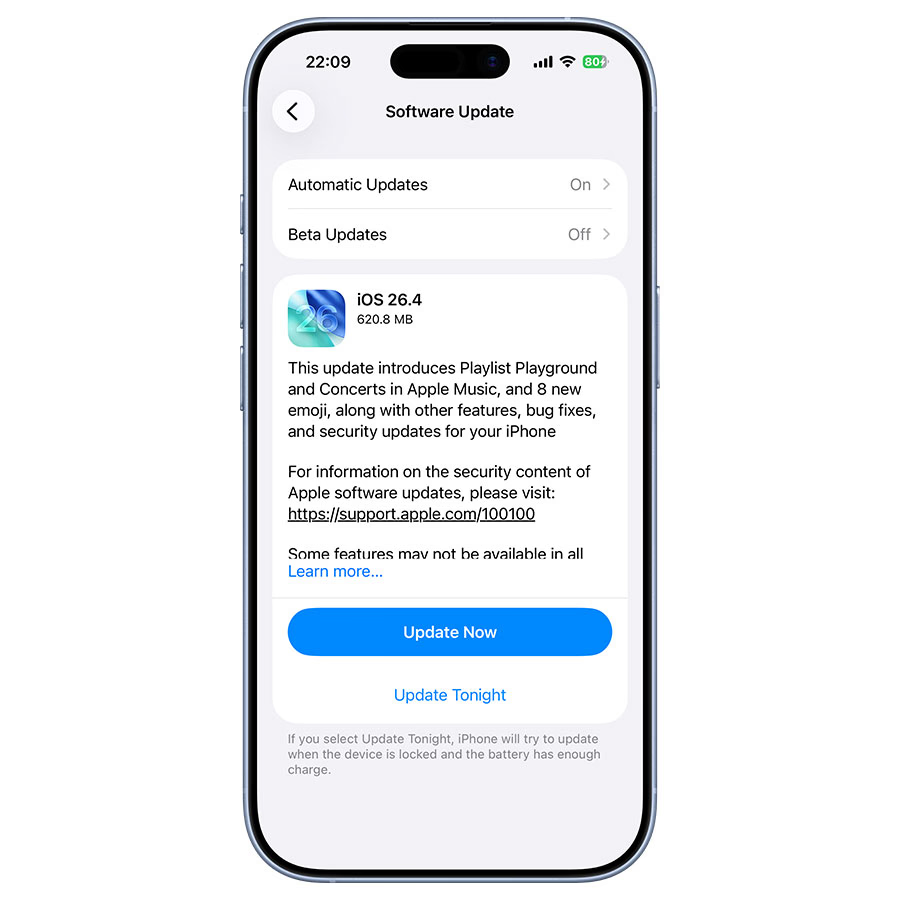
If you want a full breakdown of every change, including hidden features and real-world improvements, check out our detailed coverage here: iOS 26.4 Hidden Features + Official Changes: 15+ iPhone Upgrades Explained
Should you install iOS 26.4?
If you’ve been experiencing typing issues or want access to the latest Apple Music features, iOS 26.4 is a worthwhile update.
For most users, installing via Settings is the easiest option, but IPSW files offer more control if you prefer manual updates or need to restore your device.
Final takeaway
iOS 26.4 is now widely available, and direct IPSW downloads give you the fastest way to install it on your device.
If you’re looking for more control over the update process, this is the best way to get started.