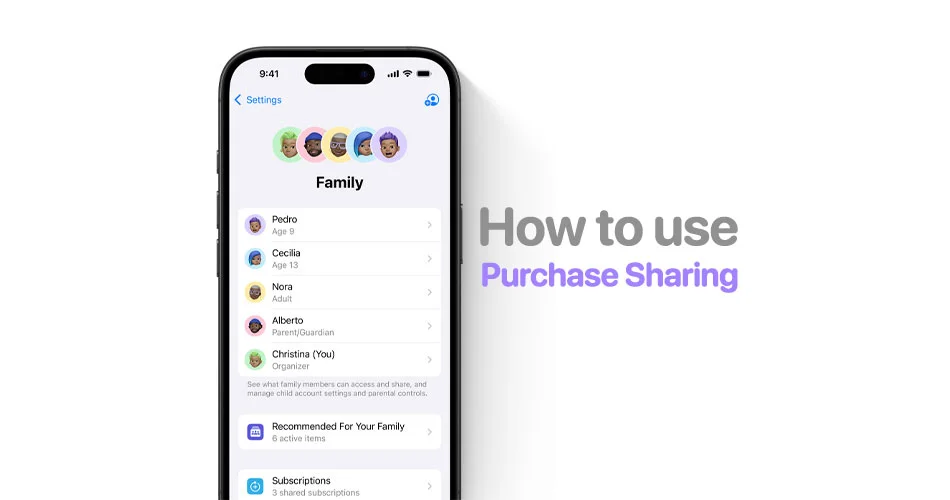
If you’ve ever used Family Sharing, you’ve probably run into this problem: every purchase gets charged to one person.
It doesn’t matter who actually buys the app or subscription, the family organizer ends up paying for everything. And if you tried to fix it, your only real option was turning off Purchase Sharing entirely, which defeats the whole purpose.
With iOS 26.4, Apple is finally addressing this.
You can now use your own payment method in Family Sharing on iPhone, without breaking shared purchases. It’s a long overdue fix that makes the system far more practical for real-world use.
Here’s how it works and how to set it up.
What changed in iOS 26.4
Before this update, Family Sharing had a rigid billing structure:
- All purchases were billed to the family organizer’s payment method
- Members couldn’t easily pay for their own apps or subscriptions
- Many users searched for ways to stop Family Sharing from charging the organizer, but there was no clean solution
With iOS 26.4, that finally changes.
- Adult members can now use their own card in Apple Family Sharing
- Purchase Sharing stays enabled
- The organizer is no longer automatically billed for everything
This update directly solves one of the most searched issues: how to use your own payment method in Apple Family Sharing without turning it off.
For a complete list of new features and changes in iOS 26.4, check out our post here: iOS 26.4 Hidden Features + Official Changes: 15+ iPhone Upgrades Explained.
How to use your own payment method in Family Sharing (iOS 26.4)
If you’re wondering how to use your own card in Apple Family Sharing iOS 26.4, the setup is straightforward:
Step 1: Make sure Purchase Sharing is enabled
- Open Settings
- Tap Family
- Select Purchase Sharing
- Turn on Share My Purchases
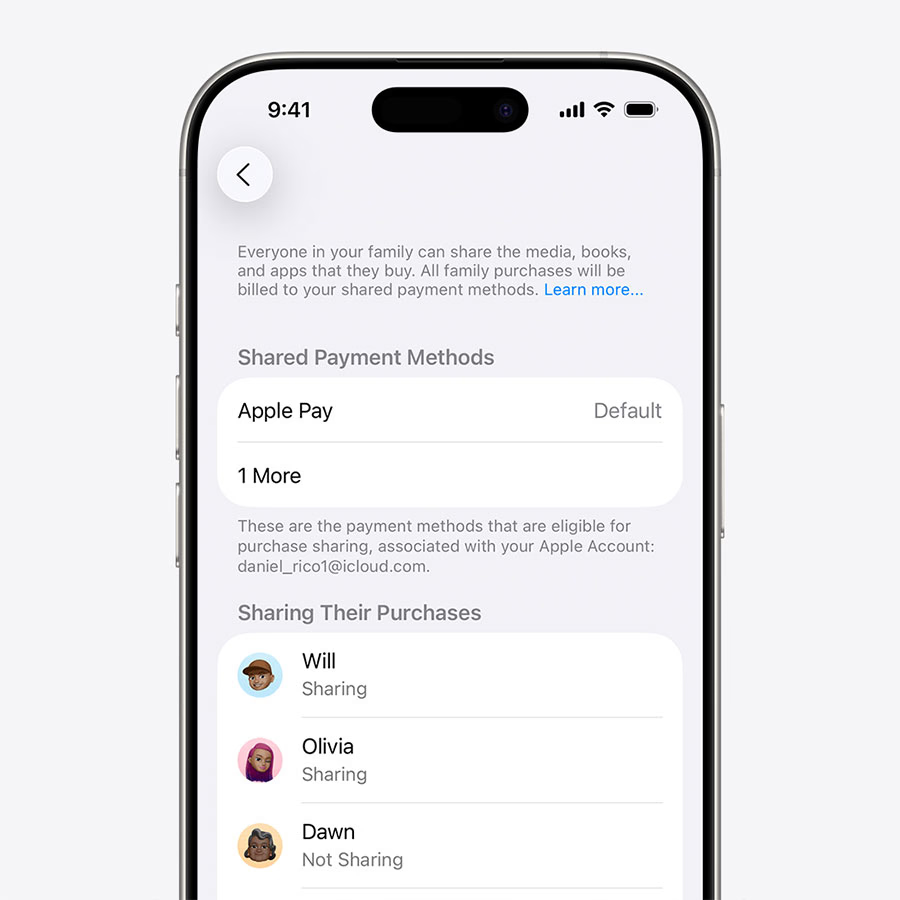
This is required for shared purchases to work.
Step 2: Add your own payment method
- Go to Settings
- Tap your Apple ID
- Select Payment & Shipping
- Add your card
This ensures your account can be billed individually.
Step 3: Make purchases as usual
Once set up:
- Buy apps, subscriptions, or media
- Your iPhone will now use your own payment method in Family Sharing when possible
No extra prompts or toggles needed during checkout.
What still hasn’t changed
While this is a big improvement, there are still some limitations:
- Only adult members can use their own payment methods
- The family organizer remains the default fallback
- Turning off Purchase Sharing still removes access to shared purchases
So if you were searching for a complete billing overhaul, this isn’t it. But it’s a meaningful step forward.
Why this fix actually matters
This update isn’t flashy, but it solves a real problem people have had for years:
- No more asking “who bought this?”
- No more manually tracking shared expenses
- No more needing to disable Family Sharing just to pay individually
In practical terms, this is exactly what users meant when they searched for: how to stop Family Sharing from charging the organizer on iPhone.
The bigger picture
Apple didn’t make a big deal out of this change, but it quietly removes one of the biggest friction points in its ecosystem.
Family Sharing now works the way most people assumed it should from the start.
Final takeaway
For years, the biggest downside of Family Sharing wasn’t sharing, it was how payments worked.
iOS 26.4 doesn’t reinvent the feature, but it finally fixes the part that caused the most confusion.
If you’ve avoided using Family Sharing because of billing issues, this update might be the reason to give it another try.