Recent versions of macOS include special accent colors tied to specific devices. If you own an iMac or the new MacBook Neo, the system offers additional accent colors designed to match those machines.
Normally, those colors only appear on those specific Macs.
However, with a small free utility, you can unlock the MacBook Neo and iMac accent colors on any Mac in just a few steps.
What are Mac device-specific accent colors?
Accent colors change how interface elements appear across macOS. They affect things like:
- buttons
- menu highlights
- checkboxes
- selected text
- interface controls
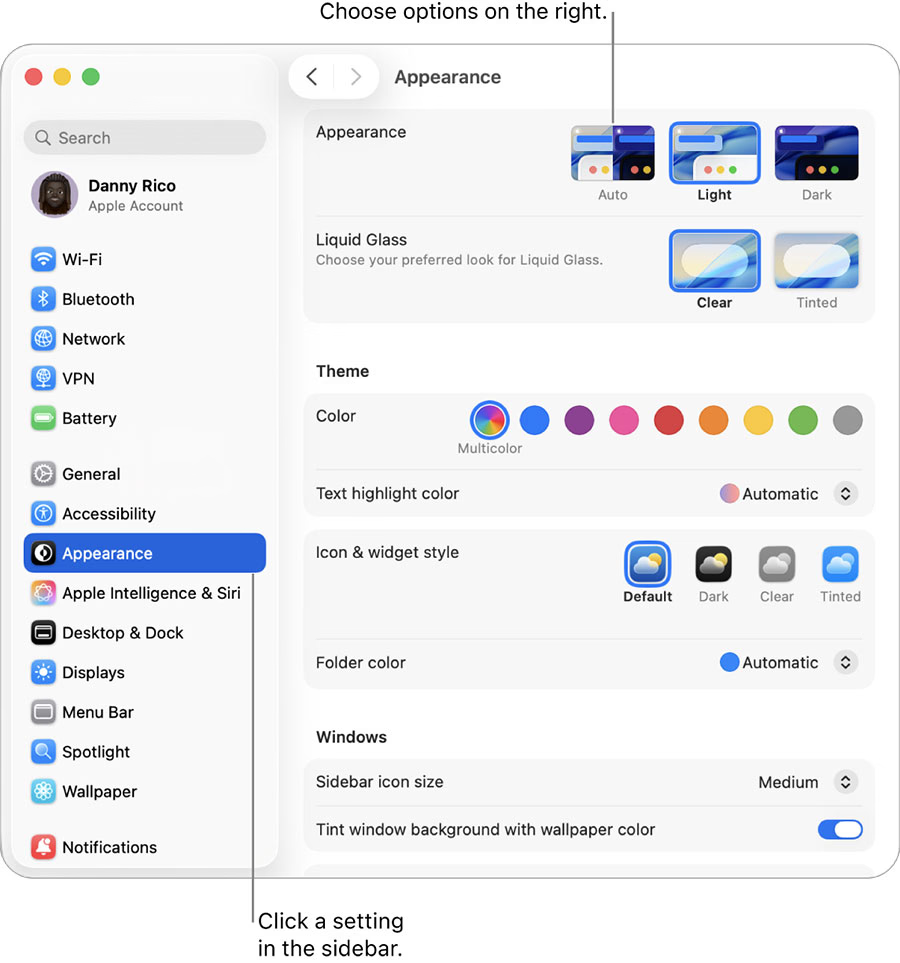
Apple sometimes includes extra accent colors that only appear on certain devices. For example, the colorful iMac lineup ships with matching UI accent colors, and the MacBook Neo introduced its own set as well.
On other Macs, those colors simply do not appear in System Settings.
How to unlock MacBook Neo and iMac accent colors on any Mac
You can enable these hidden accent colors using a small utility called Accents.
Step 1: Download the Accents app
Download the Accents app from the developer’s website and install it on your Mac.
The app is lightweight and designed specifically to expose macOS accent colors that Apple normally hides on certain machines.
Step 2: Launch the app
Open the Accents app after installation. It will immediately detect the accent color options available in the system.
Step 3: Enable additional accent colors

The app unlocks additional accent color choices that normally appear only on devices like the iMac or MacBook Neo.
Once enabled, these colors become available in macOS just like the standard ones.
Step 4: Select the new accent color in System Settings
After unlocking the colors, open: System Settings > Appearance > Accent Color
You should now see the additional options and can apply them like any other accent color.
MacBook Neo wallpapers are also coming to all Macs
Accent colors are not the only visual element tied to the new MacBook Neo.

Apple also introduced color-matched wallpapers for the device. These wallpapers complement the system accent colors and overall design.
Fortunately, Apple is bringing these wallpapers to all Macs through the upcoming macOS 26.4 update, meaning users will not need third-party tools to enjoy them.
MORE ON THE MACBOOK NEO:
MacBook Neo’s USB-C Setup Has a Catch Most Buyers Won’t Notice
MacBook Neo Starts With 8GB RAM, and That Is the Only Option
MacBook Neo Tip: What Happens If You Plug a Monitor Into the Wrong USB-C Port
How the $599 MacBook Neo Could Challenge Windows Laptops and Chromebooks
Apple Explains Why Its New $599 Laptop Is Called MacBook Neo
Can a Bigger Charger Make the MacBook Neo Charge Faster? A Test Says Yes
MacBook Neo Battery Lifespan: How Long Before It Wears Out?
Apple Quietly Changed MacBook Keyboards With New Symbol Keys
Can the MacBook Neo Run Games? Real World Gaming Performance Tested
A simple way to customize macOS
Customization options in macOS are usually limited compared to some other platforms. Still, small utilities like Accents can unlock extra personalization features that Apple keeps restricted to certain hardware.
If you enjoy tweaking the look of your Mac, enabling the MacBook Neo and iMac accent colors on any Mac is an easy way to give the interface a fresh look.