
Apple has released iOS 26.4.1 for iPhone users alongside iPadOS 26.4.1 for iPad.
The update arrives just over two weeks after the launch of iOS 26.4 and focuses primarily on bug fixes and system improvements.
If you prefer installing updates manually, you can download the iOS 26.4.1 IPSW and iPadOS 26.4.1 IPSW files directly using the links below.
iOS 26.4.1 update details
The new update carries build number 23E254. Users can install it by heading to:
Settings > General > Software Update
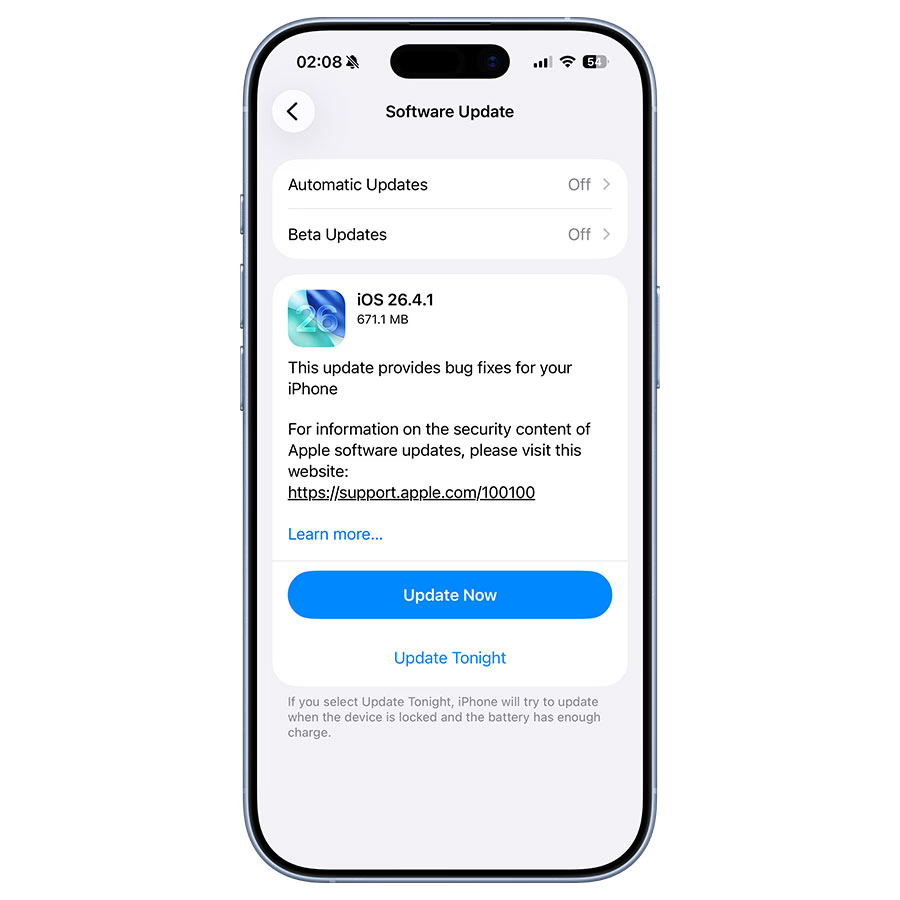
According to Apple, the update includes:
“This update provides bug fixes for your iPhone.”
While Apple’s notes are brief, reports indicate that iOS 26.4.1 fixes a bug that prevented some iPhone users from syncing data with iCloud, including passwords stored in Apple Passwords.
However, Apple’s security documentation currently shows no published CVE entries for this release.
Direct IPSW download links
iOS 26.4.1 IPSW download links
If you prefer installing updates manually through Finder or iTunes, you can download the iOS 26.4.1 IPSW files below.
Once downloaded, you can install the firmware using Finder on Mac or iTunes on Windows.
iPadOS 26.4.1 IPSW download links
Apple also released iPadOS 26.4.1 for supported iPad models.
Manual IPSW installation works the same way as on iPhone.
Why Apple released iOS 26.4.1
The update follows the relatively feature-heavy iOS 26.4, which introduced improvements across several Apple apps including:
- Apple Music
- Apple Podcasts
- Reminders
Because of those new features, Apple is likely focusing on fixing bugs that surfaced after the larger update rolled out, such as the iCloud sync issue mentioned earlier.
What’s next: iOS 26.5 beta testing continues
While iOS 26.4.1 is now available for everyone, Apple is already testing the next update.
Both developers and public beta testers currently have access to iOS 26.5, which is expected to introduce additional features and improvements later this year.