


If your iPhone or iPad stopped syncing data with iCloud, updating to iOS 26.4.1 fixes the bug.
If your iPhone or iPad stopped syncing data with iCloud, updating to iOS 26.4.1 fixes the bug.
Netflix is more expensive than ever in 2026. Here’s whether it’s still worth it and how it compares to Disney+, Prime Video, and Apple TV+.
Android now adds a 24-hour delay before sideloading apps. Here’s how to install APKs after the new restriction and what changed.
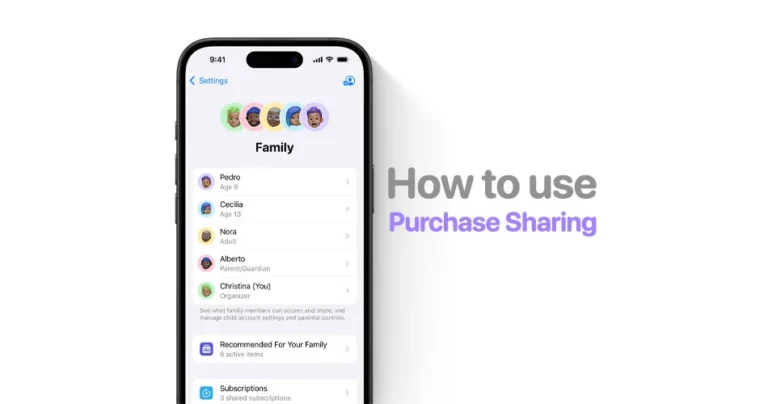
iOS 26.4 finally lets Family Sharing members use their own payment methods. Here’s how to set it up and stop purchases from being charged to the organizer.
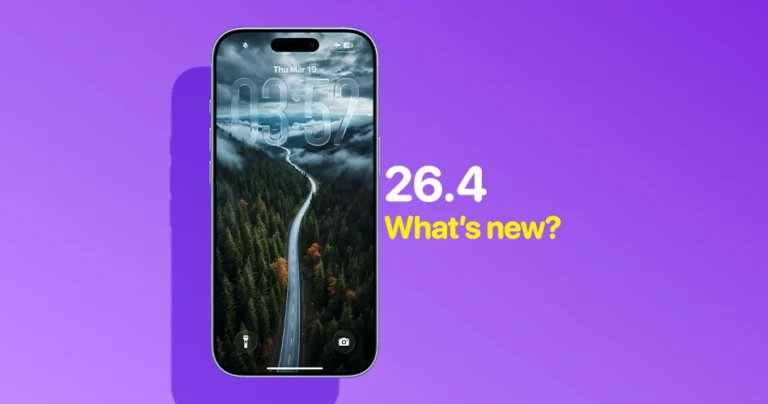
iOS 26.4 brings 15+ iPhone upgrades, including 13 official features and 4 hidden changes like hotspot data tracking, charge limit shortcuts, and UI redesigns.
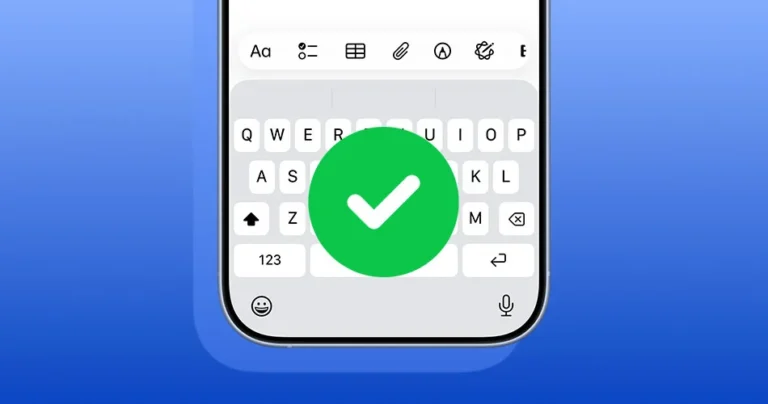
Fix iPhone keyboard accuracy issues and missing letters when typing fast. Learn how iOS 26.4 improves typing and the best fixes that work.
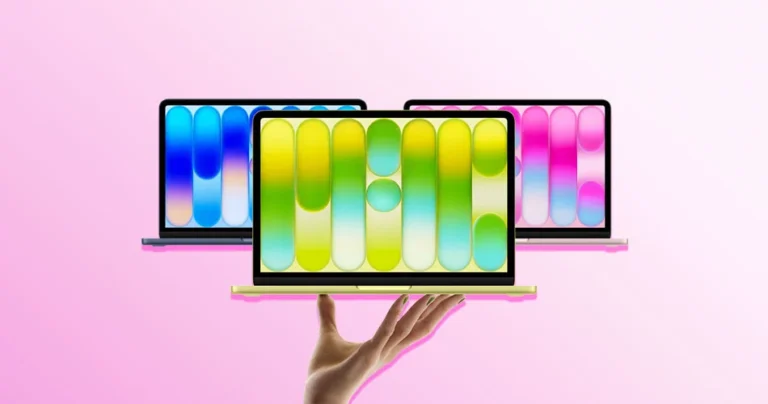
A small app lets you unlock MacBook Neo and iMac accent colors on any Mac, exposing device-specific color options hidden in macOS.
The MacBook Neo battery is rated for 1,000 charge cycles, but what does that actually mean for how long the battery will last? Here’s the simple explanation.
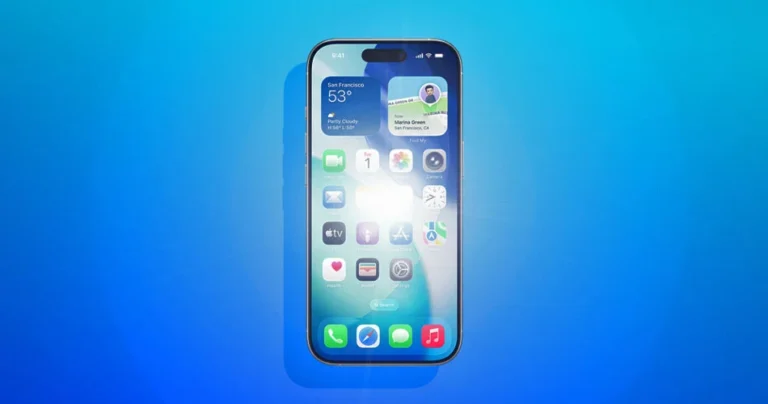
A new setting in iOS 26.4 lets users reduce the bright flashing effects used in the Liquid Glass interface on the iPhone. Here’s how the new Reduce Bright Effects option works and why Apple added it.